 NationRepair
Maximum Performance
Outdated graphics and chipset drivers significantly reduce device performance. Keeping drivers current unlocks the full capability your hardware was designed to deliver.
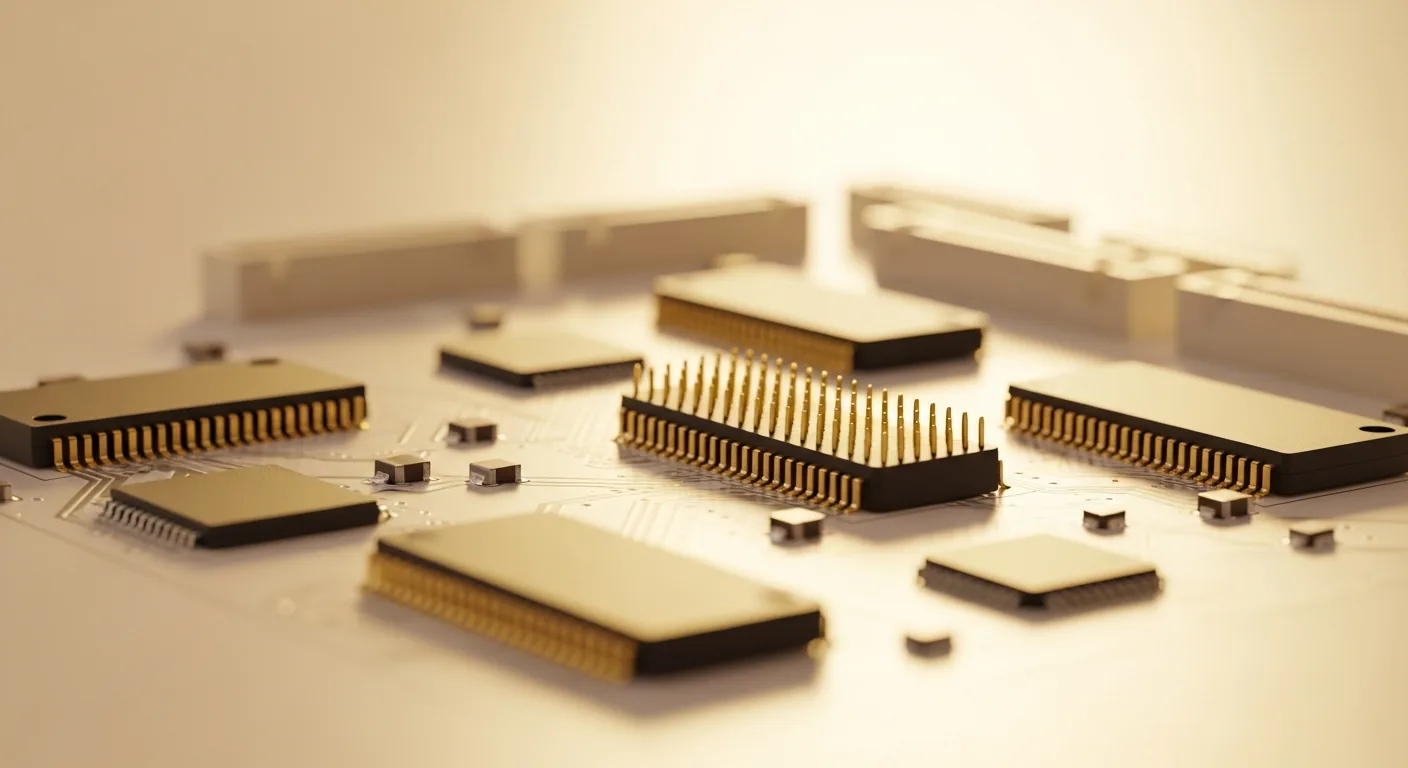
Find the right driver guide for your device. Plain English instructions — no jargon, no confusion.
A driver is the small piece of software that lets your operating system talk to your hardware. When it’s missing, outdated, or corrupt, devices that look broken simply stop working — even though the hardware is fine.
This library covers every major driver category in plain English. Each guide explains what the driver does, how to spot problems, and exactly how to update, reinstall, or repair it step by step — no technical background required.
Select a category to find driver guides for your specific device type.

Understand what drivers are, why they matter, and how to manage them safely on any system.
View Guides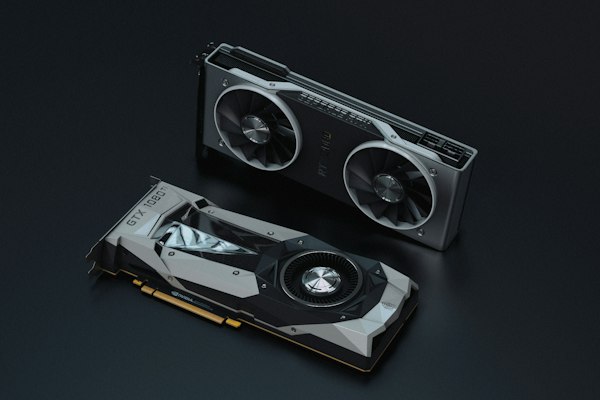
Fix display artefacts, crashes, and performance issues by keeping your GPU drivers updated and correctly installed.
View Guides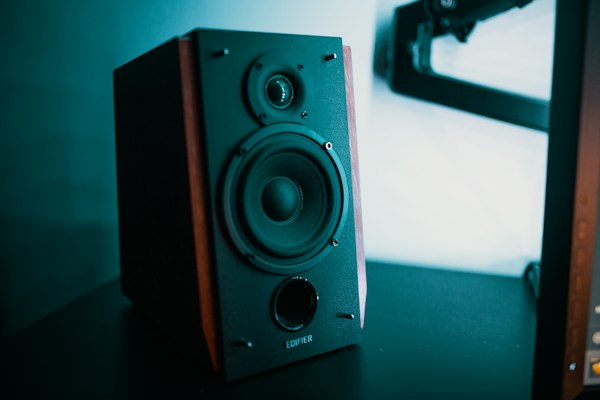
Resolve no sound, distorted audio, and device not detected issues with our audio driver troubleshooting guides.
View Guides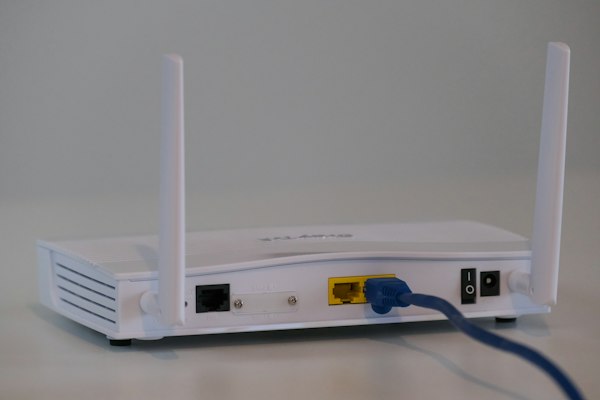
Fix Wi-Fi not connecting, ethernet not working, and network adapter errors with step-by-step driver guides.
View Guides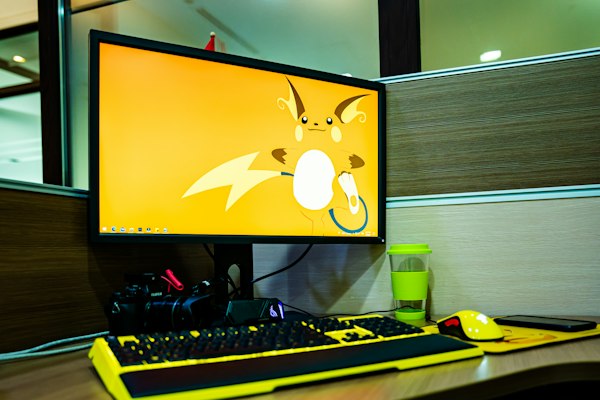
Resolve USB devices not recognised, peripheral connection failures, and port errors with targeted driver fixes.
View Guides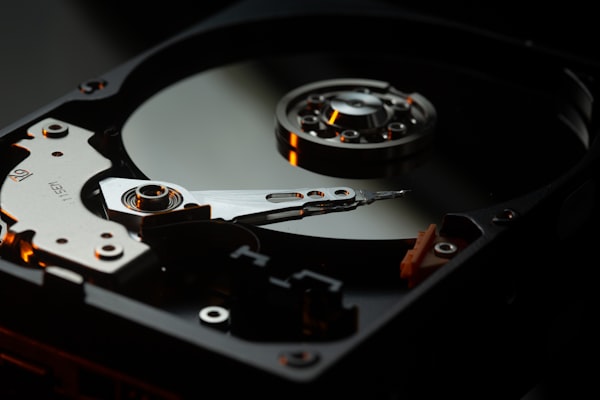
Fix drives not showing up, slow performance, and storage controller errors with our storage driver guides.
View Guides
Resolve Bluetooth not available, pairing failures, and adapter not detected issues with Bluetooth driver fixes.
View GuidesKeep your system stable and fully compatible with the latest software by maintaining correct chipset drivers on your motherboard.
View Guides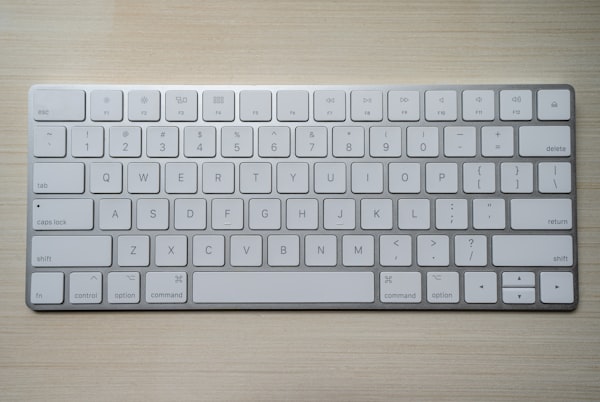
Fix keyboards, mice, drawing tablets, and gamepads not working with targeted input device driver guides.
View GuidesOutdated graphics and chipset drivers significantly reduce device performance. Keeping drivers current unlocks the full capability your hardware was designed to deliver.
Corrupt or incompatible drivers are responsible for the majority of random crashes, blue screens, and unexpected shutdowns that users experience on Windows systems.
Driver updates regularly include security patches that close vulnerabilities in hardware interfaces. Outdated drivers can expose your system to risks beyond software alone.
New operating system updates frequently break compatibility with old drivers. Keeping drivers updated ensures all your devices continue working correctly after system updates.