 NationRepair
Device Categories
Model-specific owner's guides for the devices people use and repair most. Find your device and learn what to expect when things go wrong.
Welcome to the device library. Below you will find every category of consumer electronics that we cover, organised into six broad families so you can browse the way most people actually shop and live with their devices. Whether you have a phone that suddenly will not charge, a laptop that runs unbearably hot, a smart bulb that refuses to pair, or a printer that has decided today is the day it will eat every sheet of paper, this is the right starting point.
Each category page explains how that family of devices is built, the parts that wear out first, the failure patterns we see most often, and the maintenance habits that tend to extend a device's life. Where a fix is reasonable for a careful owner to attempt, we walk through it. Where it is not, we say so plainly and explain when it is time to involve the manufacturer, a warranty programme, or a qualified electronics professional.
All of this material is free, ad-supported reading. We do not sell parts, we do not book repairs, and we do not provide remote sessions or warranty handling. If your device is still under manufacturer warranty, please reach out to the brand's official support channel before attempting anything you read here, since some at-home steps can void coverage.
Mobile & Wearables
7 categoriesPocket-sized electronics live the hardest life of any category we cover. They get dropped, sat on, drenched in the rain, and charged from whatever cable happens to be lying around. The categories below address the wear patterns that result from that kind of daily abuse — battery degradation, screen damage, charging port failures, pairing trouble, and the slow software bloat that makes a two-year-old phone feel ten years old.
 Smartphones
 Tablets
 Smartwatches & Fitness Trackers
 Wireless Earbuds & Headphones
 Portable Speakers
 E-Readers
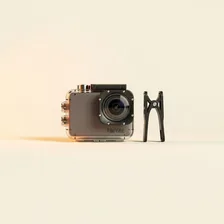 Action Cameras
Computers & Storage
7 categoriesDesktops, laptops, monitors, and the storage and accessories that surround them. This is where most readers arrive when a fan starts howling, a screen develops a strange line down the middle, or a familiar workflow suddenly stops working after a routine update. We focus on the components that fail predictably — drives, fans, batteries, power supplies, and ports — and on the everyday maintenance that quietly prevents most of those failures in the first place.
 Windows Laptops
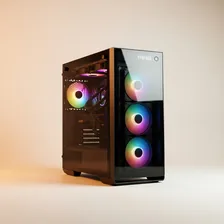 Desktop PCs
 Computer Monitors
 External Hard Drives & SSDs
 USB Hubs & Docking Stations
 Webcams & Microphones
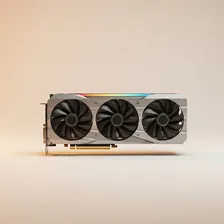 Graphics Cards / GPUs
Smart Home & IoT
7 categoriesConnected devices are wonderful when they work and unusually frustrating when they do not. Most smart-home headaches trace back to one of three root causes: a flaky home network, an outdated firmware build, or a hub that has quietly lost its pairing. The pages in this group explain how to tell which of those is happening, how to recover gracefully, and how to set things up so the same problem is far less likely to come back next month.
 Smart TVs
 Smart Home Devices
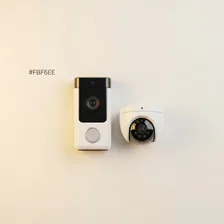 Smart Doorbells & Security Cameras
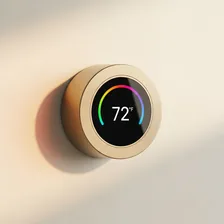 Smart Thermostats
 Smart Lighting Systems
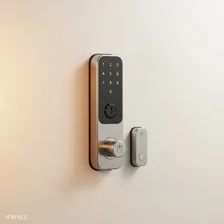 Smart Locks & Door Sensors
 Wi-Fi Mesh Systems
Entertainment & Audio
7 categoriesAudio, video, and gaming gear gets used hard and often gets blamed for problems that actually live elsewhere — a slow streaming app is usually a router issue, a stuttering game console is usually a thermal one, and a soundbar that goes silent at random is usually a handshake fault on the HDMI chain. We try to separate the genuine hardware faults from the everyday network and configuration gremlins so you spend your time fixing the right thing.
 Streaming Devices
 Soundbars & Home Theatre Systems
 Gaming Consoles
 Gaming Headsets
 VR Headsets
 Blu-ray & DVD Players
 Digital Photo Frames
Power & Connectivity
6 categoriesThe unsung infrastructure of a household. Routers, surge protectors, charging accessories, and the various adapters that quietly keep everything else fed and connected. When this layer misbehaves, half a dozen unrelated devices can suddenly seem broken at the same time, which makes power and connectivity issues some of the most rewarding to learn about — fix one cause, and a queue of nagging problems goes away at once.
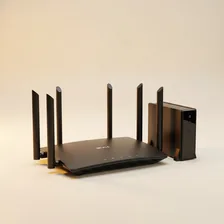 Wireless Routers & Modems
 Power Banks & Portable Chargers
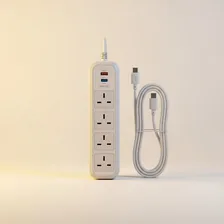 Surge Protectors & Extension Cords
 Bluetooth Adapters
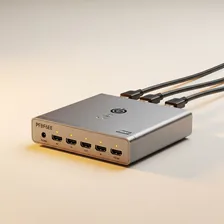 HDMI Switches & Splitters
 Wireless Charging Pads
Peripherals & Accessories
5 categoriesThe little things that sit on a desk and quietly determine how pleasant a computer is to use every day. Mechanical keyboards develop sticky switches, gaming mice grow erratic with worn sensors, drawing tablets lose pen pressure after a firmware update, and laptop cooling pads become surprisingly important the moment a summer heatwave arrives. The pages here cover the small replacements, calibrations, and cleanings that put these accessories back into reliable service.
 Mechanical Keyboards
 Gaming Mice & Trackpads
 Drawing Tablets
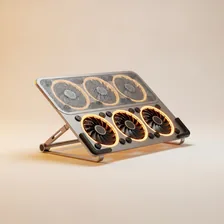 Laptop Cooling Pads
 Card Readers & Flash Drives