Gaming Consoles

Gaming Consoles

Complete repair, care and maintenance guide for gaming consoles

Modern gaming consoles are essentially specialised gaming PCs with custom hardware, complex cooling, and demanding storage requirements. They run hot, draw significant power, and face years of intensive use that no other living room device experiences. Overheating shutdowns, disc read failures, wireless controller problems, storage fill issues, slow downloads, and software corruption are the issues console owners run into most often. Most are fixable through cleaning, controller resets, or storage management rather than expensive repairs or replacements. This guide explains every common gaming console issue with clear, practical fixes that keep your gaming sessions running smoothly.

Featured Device Guides

Understanding Gaming Consoles

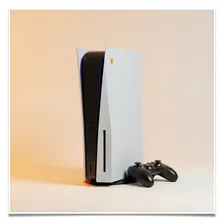
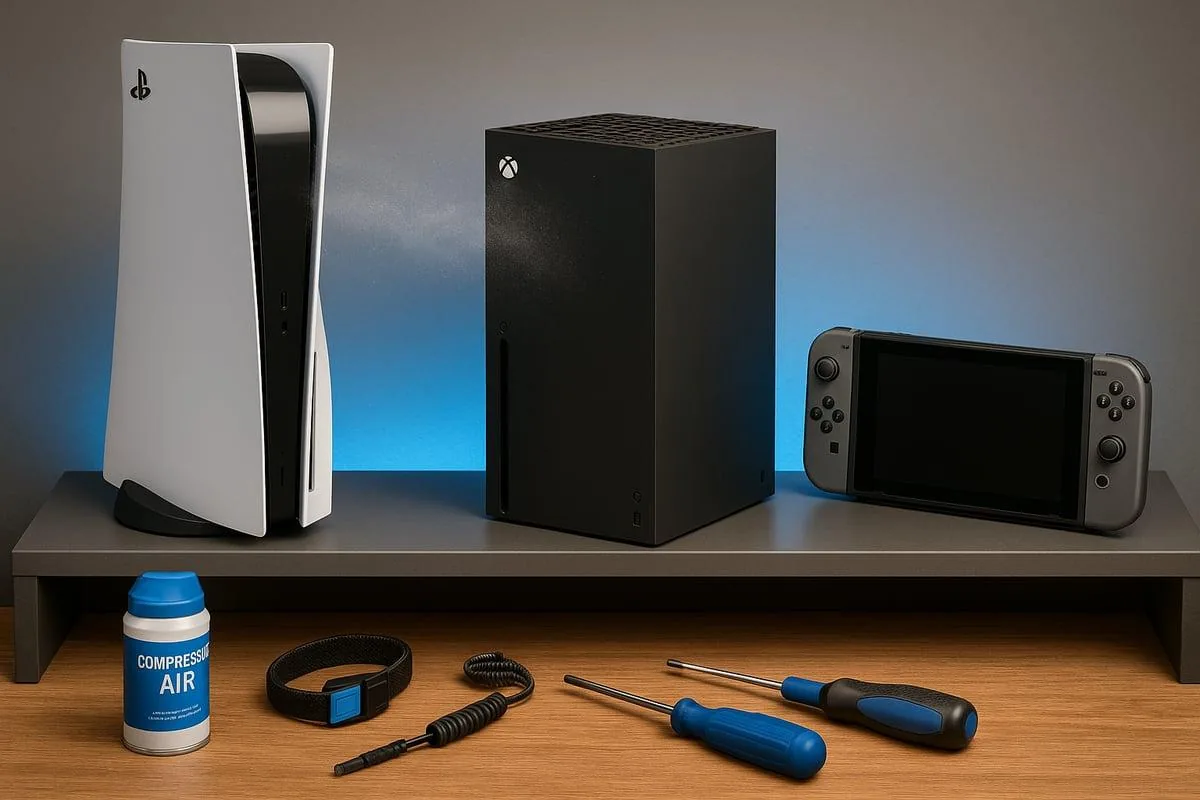
Gaming consoles — PlayStation 5, Xbox Series X/S, Nintendo Switch (and successors) — remain the dominant way most people play console-quality video games. Despite the rise of cloud gaming, gaming PCs, and mobile gaming, dedicated consoles offer the easiest setup, the most consistent experience across players (no driver issues, no specifications to verify), and exclusive games that are unavailable on any other platform. Each generation lasts 6–8 years, with mid-cycle refreshes (slim revisions, pro models) extending the platform.

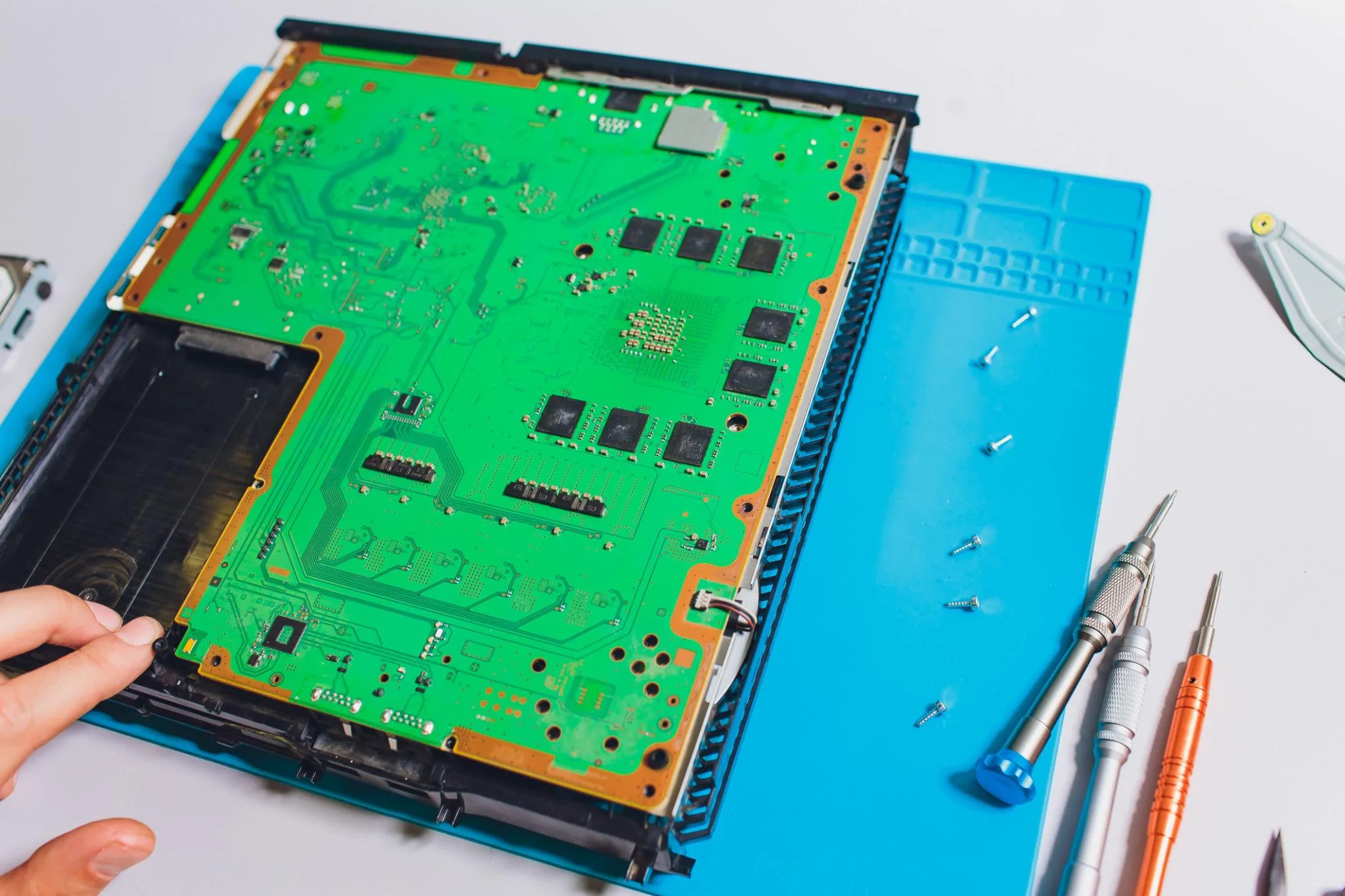
Modern consoles are technically powerful gaming computers in custom enclosures. A PS5 contains a custom AMD CPU, a high-performance SSD, advanced cooling, and a Blu-ray drive in a case smaller than a desktop PC. The differences between consoles and gaming PCs have narrowed substantially — both run on similar AMD silicon — but the closed-platform nature of consoles means games can be optimised specifically for the hardware in ways that PC games never can.
Common Problems

1

Overheating and Unexpected Shutdown During Gaming

Console overheating shutdowns are almost always caused by dust accumulation in the internal heatsinks and fans, poor ventilation in the console's placement, or — for older consoles — dried thermal paste between the processor and cooler that has lost its effectiveness.

2

Disc Not Being Read by Console Drive

Disc read failures are most commonly caused by a dirty or damaged disc, dust on the laser lens inside the disc drive, or the laser itself reaching end of life after thousands of read cycles. Lens cleaning resolves most read problems before laser replacement is needed.

3

Controller Not Connecting Wirelessly

Controller connection problems are typically caused by depleted controller batteries, the controller having lost its Bluetooth pairing after being used on another device, or interference from other wireless devices crowding the 2.4 GHz spectrum.

4

Storage Full and Games Cannot Install

Console storage filling up is inevitable as modern game install sizes grow continuously, with single AAA games regularly exceeding 100GB. Managing installed games, removing completed titles, and adding external storage are the standard solutions for storage capacity problems.

5

Slow Download Speeds on Fast Connection

Slow console download speeds despite a fast home internet connection are typically caused by console download servers being overloaded at peak times, Wi-Fi signal weakness at the console location, or download throttling settings that limit bandwidth use.

6

System Software Errors and Corrupted Data

System software corruption issues are usually caused by power being lost during a system update, hard drive errors developing over time, or game data being corrupted during interrupted save operations. System rebuilds resolve most corruption problems.

Why Gaming Consoles Fail

Modern consoles have surprisingly few hardware failure modes thanks to better engineering than earlier generations (the Xbox 360 and PS3 era was infamous for failures). The most common modern issue is dust accumulation in the cooling system, leading to thermal throttling, fan noise, and eventually shutdowns. Annual cleaning with compressed air through the vents prevents most heat-related problems. Optical drives in consoles that include them (PS5 Standard, Xbox Series X) eventually wear out after several years of use, but most users now download games rather than using discs.

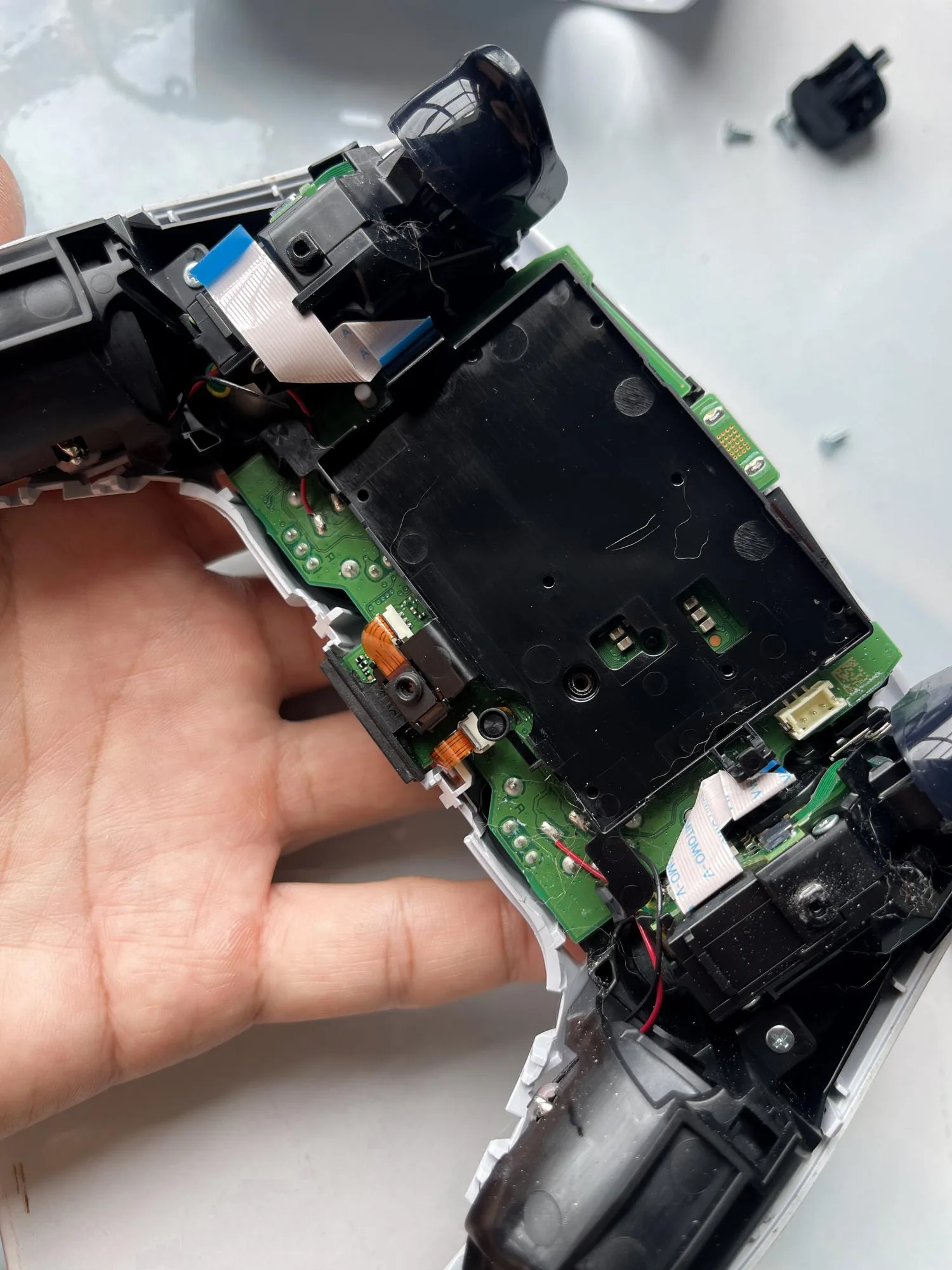
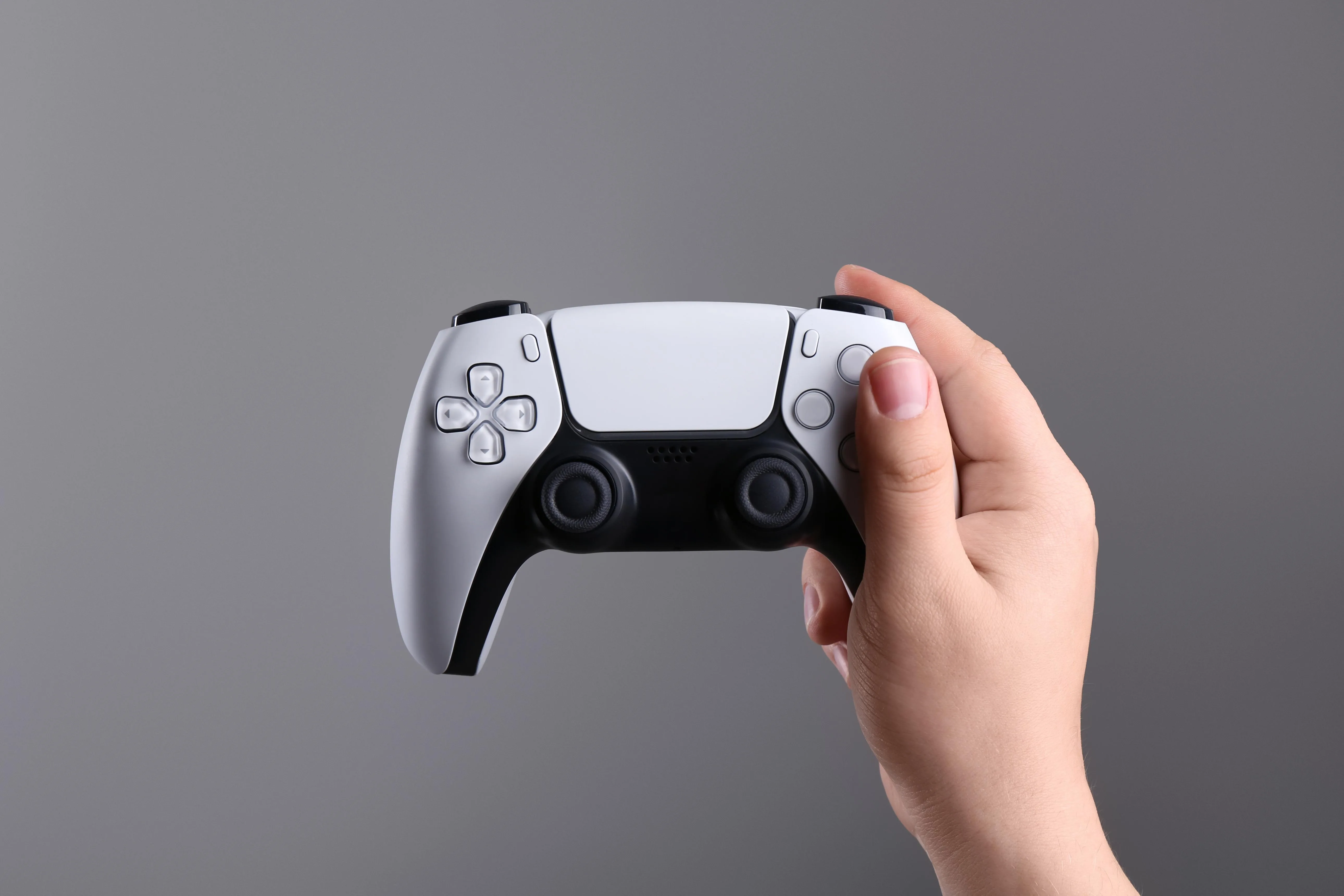
Controller failures are far more common than console failures. Drift on analog sticks (where the console registers movement when you're not touching the stick) affects nearly every controller within 2–3 years of regular use due to wear in the potentiometers underneath the sticks. Triggers and bumpers wear out in heavy use. Drift can sometimes be fixed by replacing the analog stick modules ($5–$15 in parts plus 30 minutes of work) but most users replace controllers rather than repair them. Battery degradation in wireless controllers is another common issue.

Inside Real Console Repairs

Repair & Fix Guides

Maintenance Tips

  • Clean console vents with compressed air every 3 months to prevent overheating
  • Keep the console in well-ventilated space — at least 10cm clearance on all sides
  • Charge controllers before storage to maintain battery health long-term
  • Manage storage by removing games you have completed to maintain free space
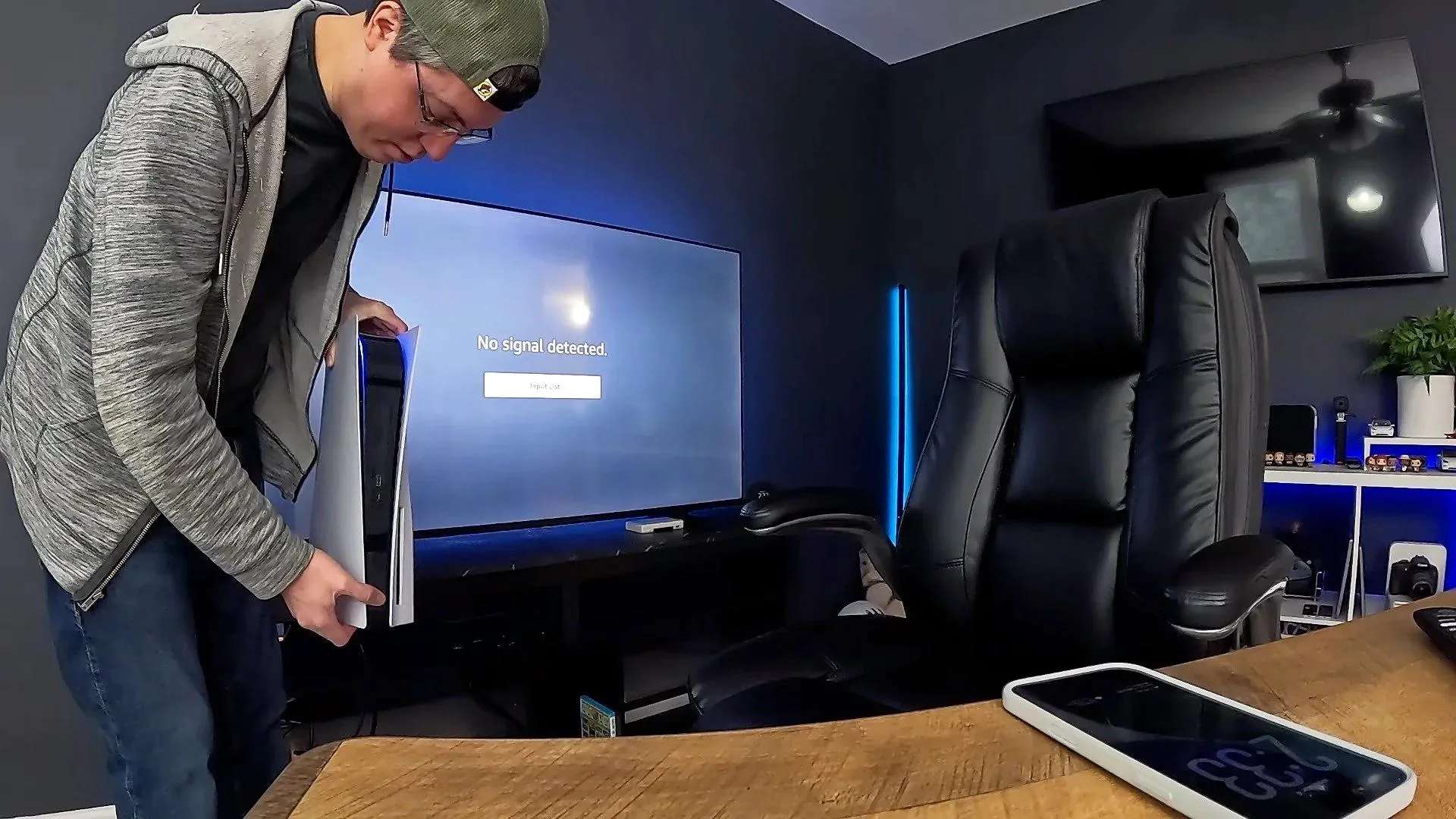
  • Avoid moving the console while it is running to prevent disc drive damage

Repair, Replace & Buying Advice

A console that still receives software updates and can play the games you want is worth keeping until the next generation arrives. Mid-cycle refreshes (PS5 Slim, Xbox Series X Slim) offer marginal improvements but not enough to justify upgrading from the original models. The major upgrade reason within a generation is storage — the included SSDs in current consoles fill up fast with modern game sizes, and an external SSD or expansion card is far more useful than a new console.

When the next generation arrives, the upgrade decision depends on whether the games you want are exclusive to it. Backward compatibility means previous-generation games typically work on new consoles, so there's no urgency to upgrade until specific must-have games release. When buying new, the key considerations are storage (1 TB minimum, 2 TB ideal), disc drive (only matters if you want physical games), and exclusive game library that aligns with your interests.

Long-Term Care & Best Practices

Gaming consoles run hotter and harder than most owners realise, and the single most impactful long-term maintenance habit is keeping them well-ventilated and dust-free. Place the console on a hard flat surface with at least ten centimetres of clear space on every side, never inside an enclosed cabinet without dedicated ventilation, and never on top of a carpet or fabric surface that blocks the underside vents. Once every six months, blow out the air intakes with short bursts of compressed air (with the console powered off and unplugged), holding the internal fan still with a finger so it doesn't spin and damage its bearings. A clean, well-ventilated console runs ten to twenty degrees cooler and lasts years longer.

Storage management quietly determines how the console feels to use over time. Modern game installs are huge — often 80–150 GB each — and a console with its internal SSD pushed past 80% full slows down noticeably and sometimes corrupts saves during installs. Add an external SSD or expand internal storage early rather than constantly deleting and reinstalling games, which adds wear to the internal drive and tests your patience with download times. Keep a list of completed games installed only when you actually plan to revisit them, and back up save files to the manufacturer's cloud service so reinstalls are painless.

Controller batteries and analog sticks are the consumable parts of any console. Most controllers have user-replaceable batteries available for $15–$25, and analog-stick replacement is a moderate-difficulty repair that adds years to a controller that has developed stick drift. Don't throw out a controller with a single failed component when the rest of it works fine. As the console reaches the end of its generation, plan for a graceful retirement: backup saves, transfer purchases to your account on the new console, and pass the old machine to a younger family member, donate it to a community programme, or sell it on the secondhand market where many gamers actively want previous-generation hardware.

Quick Tips

Compressed air every 3 months prevents most overheating shutdowns completely

Charge controllers fully before long sessions — empty controllers disconnect mid-game

Keep at least 50GB free for game updates and patches to install successfully

Frequently Asked Questions

Why is my console making loud fan noise?

Almost always dust accumulation in the cooling system. With the console powered off and unplugged, blow compressed air through every vent and the disc slot. If noise persists after cleaning, the thermal paste between the chip and heatsink may need replacement — this is more involved and on most consoles voids the warranty. Loud fan noise that persists also indicates the fan itself may be failing.

What's controller drift and can I fix it?

Drift is when the console registers movement on the analog sticks even when you're not touching them. It's caused by wear in the potentiometers (resistor components) underneath the sticks. DIY repair involves replacing the entire stick module — possible with basic soldering skills and $5–$15 in parts, but fiddly. Many users find it easier to replace the controller, especially as new ones with Hall-effect sensors that don't develop drift have started appearing.

Should I leave my console plugged in or unplug it after every use?

Modern consoles have a low-power standby mode that uses minimal electricity (1–3 watts) and allows for fast resume, system updates while idle, and remote download of newly purchased games. Unplugging defeats all of this and adds unnecessary wear to the power cycling circuitry. Leave consoles plugged in unless you're going on extended vacation or there's a thunderstorm.

Why does my game take so long to load even from SSD?

Modern game files are enormous (50–200+ GB), and loading involves more than just reading the SSD — the console has to decompress, link, and prepare game data for the GPU. Newer console-optimised games designed for the SSD architecture load in seconds; older games developed for HDD-based previous-gen consoles often haven't been optimised and take longer despite the faster storage.

Is it worth getting a console with a disc drive?

Only if you actually use physical media. Pros of disc drives: cheaper games on the second-hand market, the ability to lend games to friends, and no permanent dependency on the manufacturer's servers. Cons: most physical games still require day-one downloads, the disc drive itself eventually wears out, and the slim/digital-only consoles cost less. For most modern gamers who buy and download digitally, the digital editions make more sense.

Step-by-Step Repair Tutorials

Hands-on tutorials covering the most common Gaming Consoles repairs.

Recommended Learning Guides

Background knowledge from the Learning Center to help you understand and care for Gaming Consoles.

Related Guides