Smartphones

Smartphones

Complete repair, care and maintenance guide for Android devices

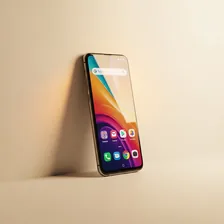
Android smartphones are the most widely used mobile devices in the world, handling communication, navigation, photography, banking, and entertainment all day every day. Because they travel everywhere with us and face constant exposure to drops, moisture, dust, and charging cycles, they experience more wear than almost any other device we own. Battery drain, cracked screens, charging port faults, slow performance, and overheating are the issues most Android owners will encounter. The good news is that the vast majority of these problems are diagnosable and fixable at home with the right guidance — saving time and money before a repair shop becomes necessary.

Featured Device Guides

Understanding Smartphones

Android smartphones power more than three billion devices worldwide and have become the single most-used personal electronic in modern life. From budget handsets that cost under two hundred dollars to flagship devices that rival professional cameras, the Android ecosystem covers every price point and every use case. Because Google licenses the operating system to dozens of manufacturers — Samsung, Google, OnePlus, Motorola, Xiaomi, and many others — the hardware varies enormously, but the underlying software experience and the most common failure modes are remarkably consistent across brands.

A modern Android phone is, in effect, a pocket-sized computer with a touchscreen, several radios, multiple cameras, a battery, and a tightly integrated set of sensors. That density of components inside a thin glass-and-metal sandwich is what makes these devices so capable — and what makes them vulnerable to drops, heat, water, dust, and the slow chemical decay of their lithium-ion battery. Understanding how the parts fit together is the first step toward keeping a phone running smoothly for four, five, or even six years instead of replacing it every two.
Common Problems

1

Battery Draining Too Fast

As a smartphone battery ages through hundreds of charge cycles, it gradually loses its ability to hold a full charge. Background apps running constantly, high screen brightness, and always-on connectivity features all drain the battery faster than most users expect. Identifying which apps consume the most power through battery settings is the essential first diagnostic step before considering a battery replacement.

2

Cracked or Shattered Screen

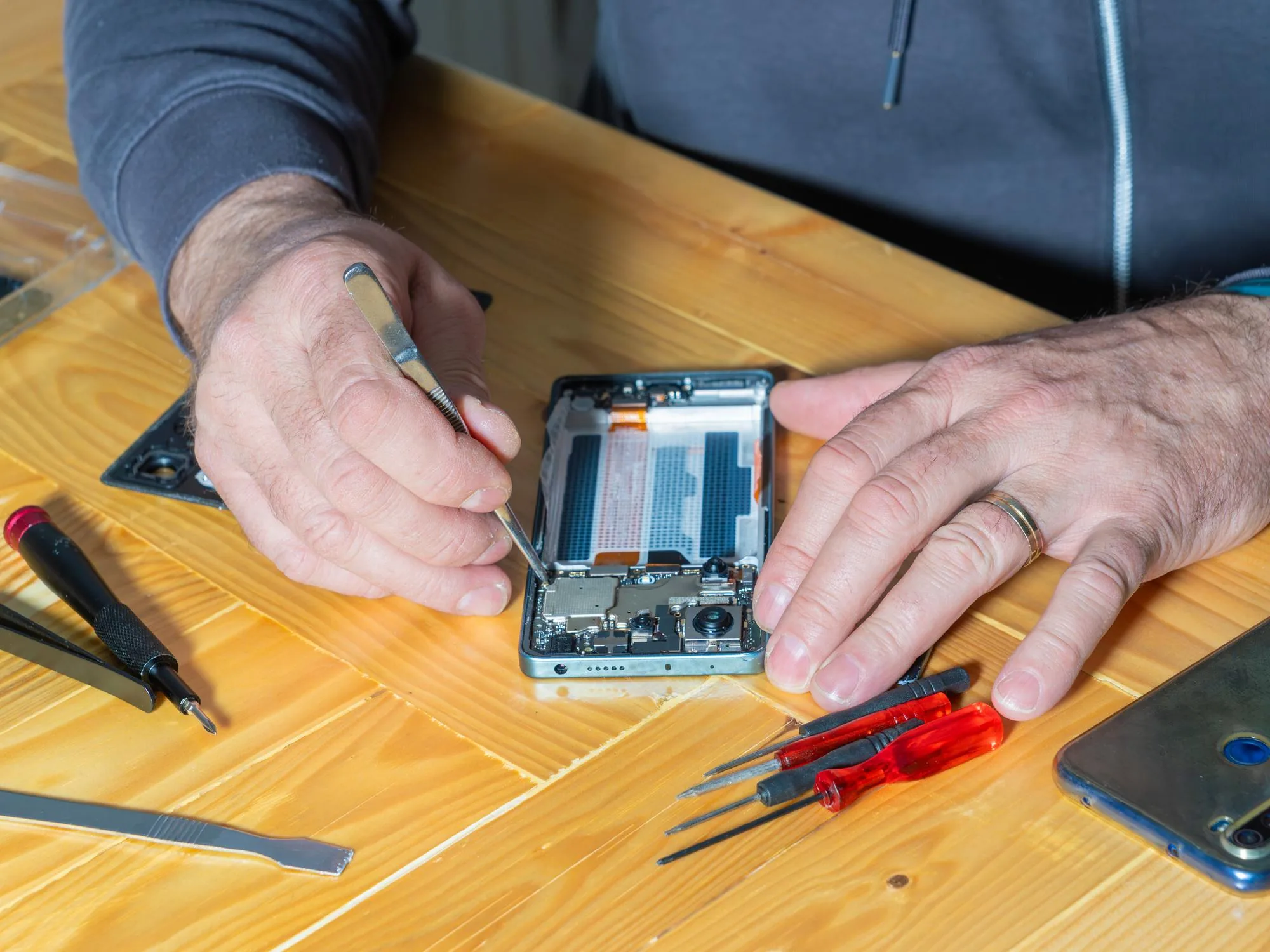
Glass displays are beautiful but fragile, and even with a quality protective case a significant drop can shatter the screen and affect touch response across the entire display. Modern smartphone screens are repairable at home with a replacement display, suction cups, spudgers, and patience — but the process requires careful disconnection of ribbon cables without causing further damage to the device.

3

Charging Port Not Working

A charging port that delivers an unreliable connection or stops working entirely is most commonly caused by lint and debris packed tightly into the port over months of daily use rather than a hardware fault. Carefully cleaning the port with a dry toothpick or soft brush resolves the issue in many cases before any physical repair is required.

4

Overheating During Use or Charging

Smartphones that become uncomfortably hot during calls, gaming, or charging are experiencing thermal stress that can accelerate battery degradation and component wear if left unaddressed over time. Background apps, direct sunlight, heavy usage while charging simultaneously, and certain cases that trap heat are the most common contributing factors to smartphone overheating.

5

Slow Performance and App Lag

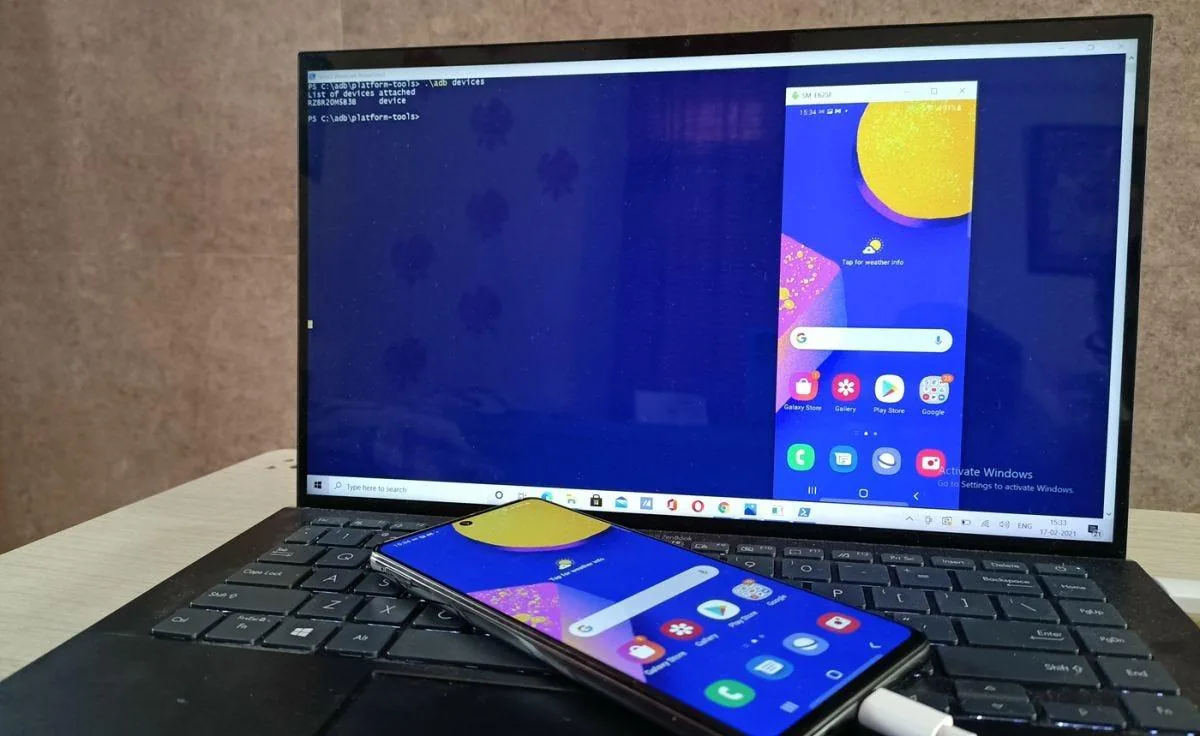
A smartphone that was once responsive but has become noticeably slower is usually suffering from storage running critically low, too many apps running in the background, or software that needs updating to address known performance issues. Clearing cached data, managing storage, and performing a fresh software install resolves most persistent performance complaints effectively.

6

Camera Producing Blurry Photos

Camera quality issues are frequently caused by a dirty or smudged lens rather than a hardware fault with the camera module itself. Fingerprint oils and dust on the lens surface reduce sharpness and introduce haze regardless of the camera quality. Cleaning the lens with a dry microfibre cloth resolves most camera clarity issues instantly before any hardware investigation is needed.

Why Smartphones Fail

The single biggest cause of smartphone failure is the lithium-ion battery, which loses approximately 20% of its capacity after roughly 500 full charge cycles. Beyond that point a phone that once lasted a full day might struggle to make it past lunchtime, and aggressive power management features start kicking in to compensate. Heat accelerates this degradation dramatically — leaving a phone in a hot car or charging it under a pillow can age the battery years in a single afternoon. The second biggest cause of failure is physical damage to the screen, which is made of glass that flexes more than most owners realise.

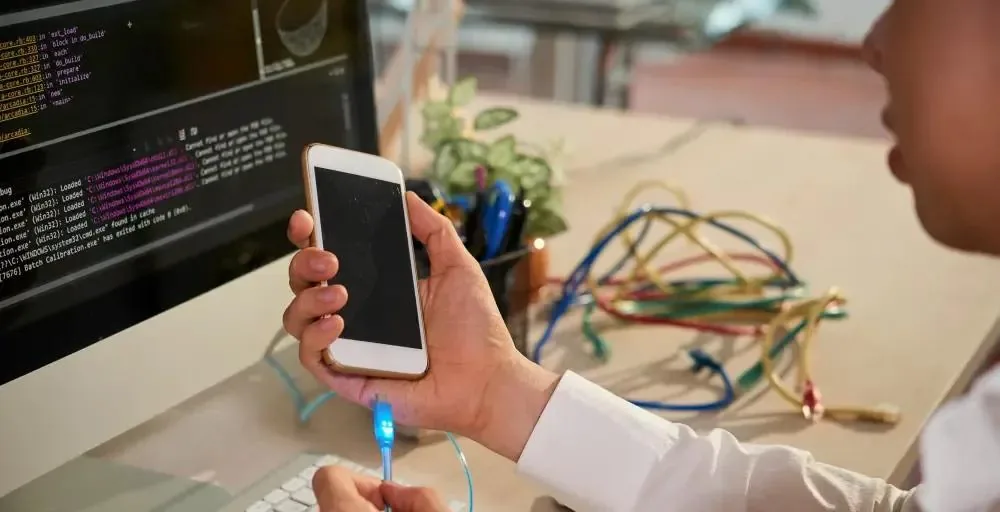
Beyond batteries and screens, charging ports collect lint and pocket debris that prevents reliable connection long before the port itself wears out. Speakers and microphones get clogged with dust. Software bloats over years of updates and accumulated app data, leading to the gradual slowdown that owners often blame on planned obsolescence but which is almost always cleared up by a clean factory reset and a fresh start. Recognising which problems are mechanical, which are electronic, and which are software-driven is what separates a quick fix from a frustrating afternoon.

Inside Real Smartphone Repairs

Repair & Fix Guides

Maintenance Tips

  • Clean charging port monthly with a dry toothpick to remove lint before it causes connection problems
  • Keep storage below 75% full to maintain smooth app performance and system speed at all times
  • Use a quality case and tempered glass screen protector to prevent the most common physical damage
  • Avoid charging in hot environments or direct sunlight to protect long-term battery health
  • Restart your phone once a week to clear background processes and maintain performance

Repair, Replace & Buying Advice

The repair-versus-replace decision usually comes down to age and battery health. A phone less than three years old is almost always worth repairing — a new battery costs $30–$60 in parts, a new screen $80–$200, and either repair extends useful life by years. Phones older than five years often hit a wall not because of hardware but because manufacturers stop issuing security updates, leaving them slowly more vulnerable to malware and incompatible with newer apps.

When buying a replacement, the specifications that actually matter for everyday users are battery capacity (4000 mAh or higher), storage (128 GB minimum so you don't run out in year two), promised software update years (look for at least four), and water resistance rating (IP67 or IP68). Camera quality, processor speed, and refresh rate matter for enthusiasts but make less day-to-day difference than most marketing implies.

Long-Term Care & Best Practices

The single most effective long-term habit for any Android phone is keeping the battery in its sweet spot of 20–80% charge for as much of its life as possible. Lithium-ion chemistry hates the extremes — sitting at 100% all night every night accelerates capacity loss, and repeatedly draining to 0% does the same in the opposite direction. Modern Android versions include adaptive charging that learns your routine and pauses overnight charging at 80% until shortly before you wake; turning that on is one of the simplest changes that meaningfully extends battery life. Pair it with avoiding fast charging when you don't need it (slow overnight charging generates less heat), and your battery will easily hold above 85% capacity at the three-year mark.

Heat is the silent killer of every component inside a smartphone, not just the battery. Avoid leaving the phone on a sunny dashboard, on top of a laptop fan vent, or under a pillow while charging. If the phone feels warm to the touch during normal use, close the heaviest app, take it out of any insulating case for a few minutes, and let it cool naturally. Dust and pocket lint are the second silent killer — they accumulate in the charging port and speaker grilles over months until charging becomes intermittent and audio sounds muffled. A monthly clean with a wooden toothpick (never metal) and a soft brush prevents nearly all of these gradual problems.

When the phone enters its later years, plan around its software-update cliff rather than its hardware. Once your manufacturer stops releasing security updates, move banking and email to a newer device and repurpose the older phone as a dedicated camera, music player, dashcam, or kitchen recipe screen. A factory reset followed by installing only essential apps gives an old phone a second life that often lasts another two to three years. Recycle responsibly through manufacturer trade-in programmes or municipal e-waste schemes when the time finally comes — never put a lithium battery in regular household waste, where it can ignite during compaction.

Quick Tips

Restart weekly — clears background processes and fixes most minor software glitches instantly

Check battery usage in settings to find which apps are draining your battery fastest

Clean the camera lens with a microfibre cloth before assuming any camera hardware fault

Frequently Asked Questions

How long should an Android smartphone last?

A well-cared-for Android phone typically lasts 4–6 years before becoming genuinely impractical. Battery degradation is the limiting factor at the 3-year mark, but a $40 battery replacement easily extends life by another 2–3 years. The hard ceiling is software support — once your manufacturer stops issuing security updates (typically 3–6 years from launch), the phone becomes increasingly risky to use for banking and email.

Why does my phone get slower over time?

Almost always it's accumulated cache files, background apps competing for memory, and storage filling up beyond the 80% mark where the file system starts struggling. A factory reset combined with selectively reinstalling only the apps you actually use restores performance in 9 cases out of 10. Hardware almost never gets slower — only the software burden on it grows.

Is it worth replacing the screen on a 4-year-old phone?

In most cases, yes. A screen replacement costs $80–$200 depending on the model, while a comparable new phone costs $400–$1,000. Unless the phone has additional problems (failing battery, water damage, end-of-support software), the repair pays for itself many times over. The exception is older budget phones where parts cost is high relative to second-hand replacement value.

Can I fix a phone that has been water-damaged?

Sometimes — if you act fast. Power off immediately, do not try to charge, remove the SIM tray to help with airflow, and place the phone in a cool dry location for at least 48 hours. Rice does almost nothing despite the popular myth; silica gel packets are far more effective. After 48 hours, attempt a charge. If the phone powers on, monitor for unusual behaviour over the following weeks as corrosion can develop slowly.

Why does my battery percentage jump around suddenly?

When a battery loses internal balance between its cells, the phone can no longer accurately measure remaining charge. The fix is a battery calibration: drain the phone to 0% until it shuts off automatically, then charge it uninterrupted to 100% and leave it plugged in for an extra hour. Repeat this once every few months. If readings remain erratic afterwards, the battery itself is failing and needs replacement.

Step-by-Step Repair Tutorials

Hands-on tutorials covering the most common Smartphones repairs.

Recommended Learning Guides

Background knowledge from the Learning Center to help you understand and care for Smartphones.

Related Guides