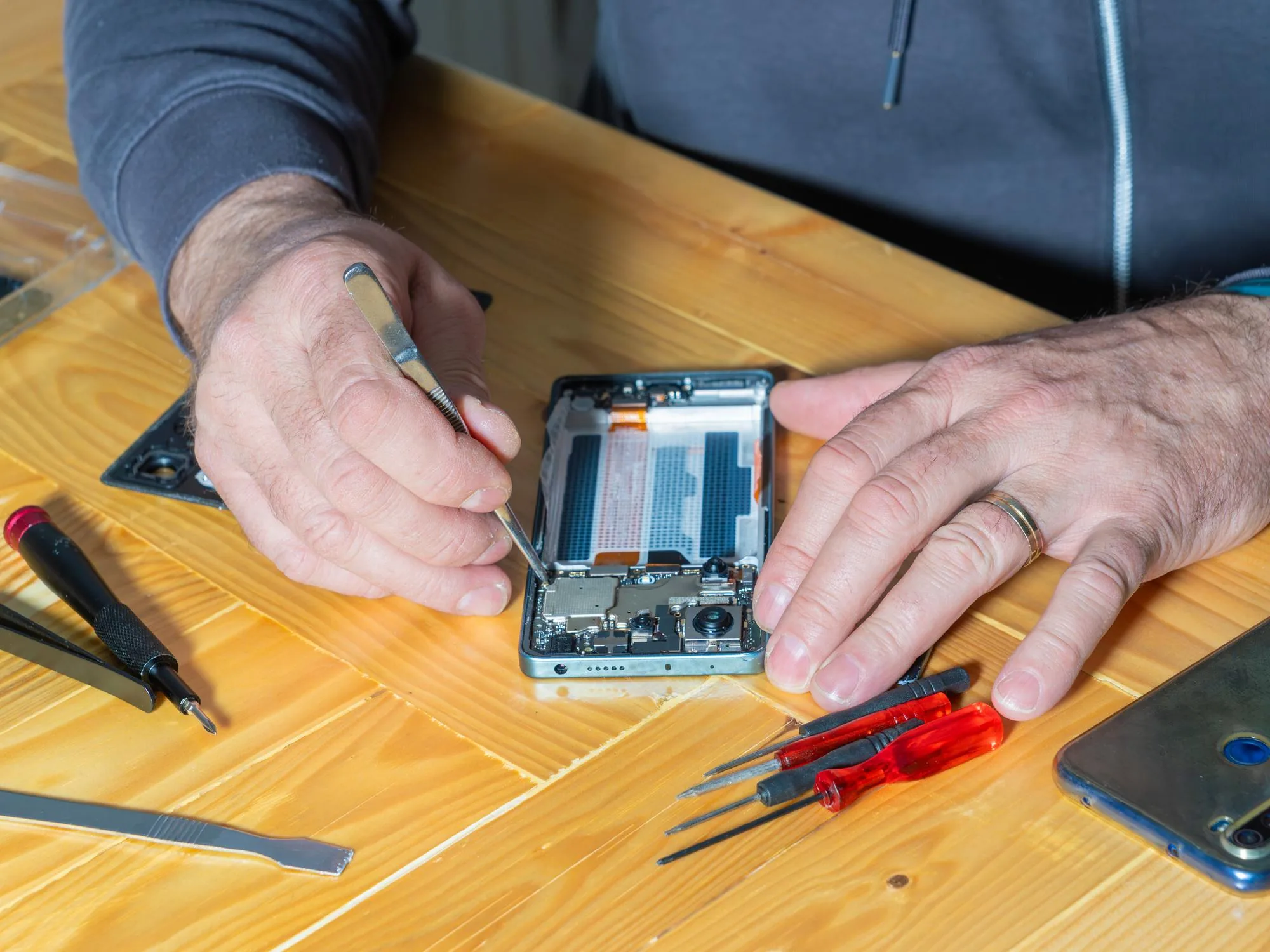
How to Replace a Smartphone Screen at Home

How to Replace a Smartphone Screen at Home

Medium 45–60 minutes
How to Replace a Smartphone Screen at Home
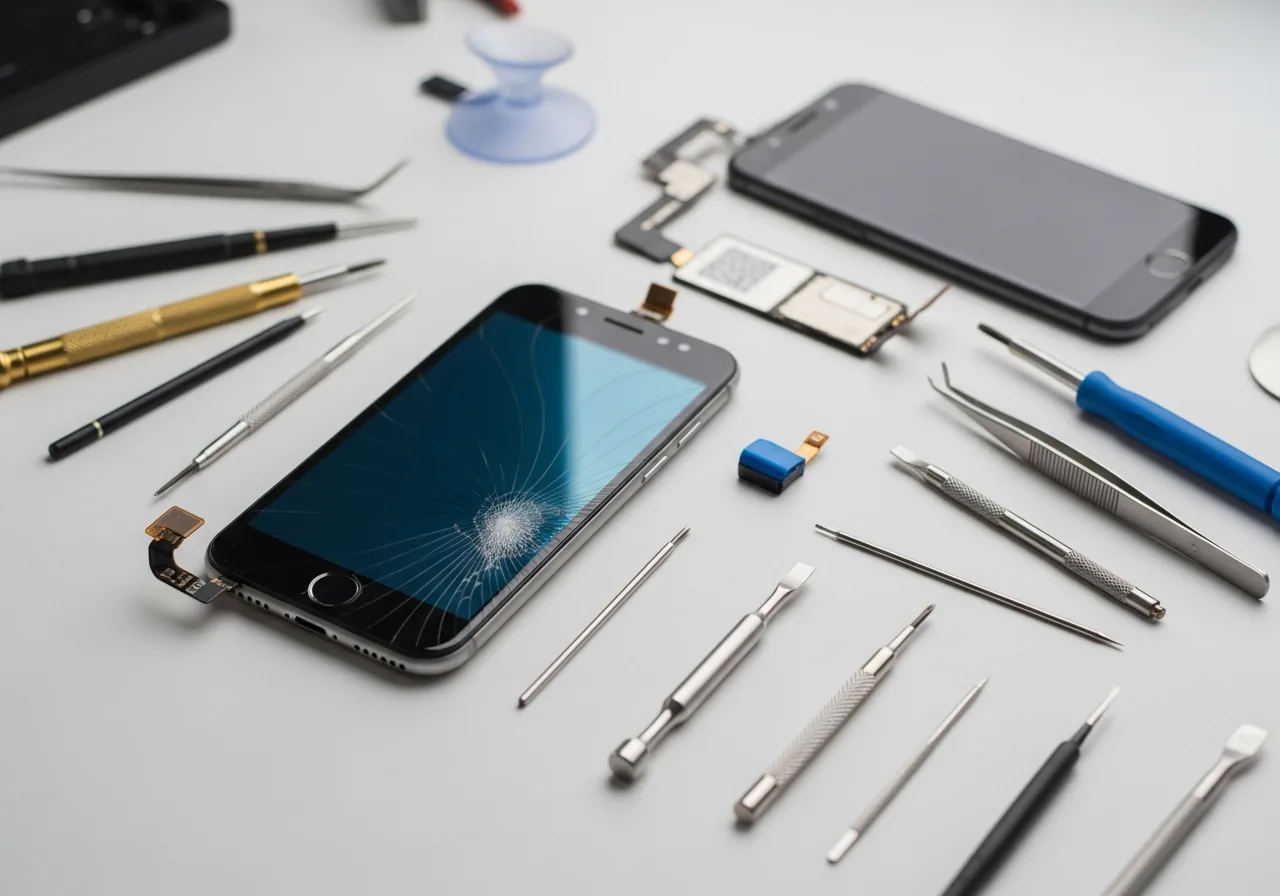
Replacing a smartphone screen at home — a 45-minute repair with a $40 toolkit

Tools & Parts Needed

  • Suction cup
  • Spudger / plastic pry tool
  • Precision screwdriver set
  • Replacement screen assembly
  • Adhesive strips or pre-cut adhesive
  • Heat gun or hair dryer
Hands lifting a smartphone display panel after softening the perimeter adhesive
OEM-grade screens cost 2–3× the aftermarket equivalent — but cheap copies often have wrong colour, missing 3D Touch, or auto-brightness failures.

Step-by-Step Instructions

  1. 1

    Power Off the Device

    Hold the power button and slide to power off completely. Disconnect from the charger.

  2. 2

    Apply Heat to the Screen Edges

    Use a heat gun or hair dryer on low for 30–60 seconds around the screen perimeter to soften the adhesive.

  3. 3

    Use the Suction Cup to Lift

    Attach the suction cup to the centre of the screen and pull upward gently to create a small gap.

  4. 4

    Insert the Spudger and Slide

    Slide the spudger around all four edges to separate the adhesive. Work slowly — don't force it.
  5. 5
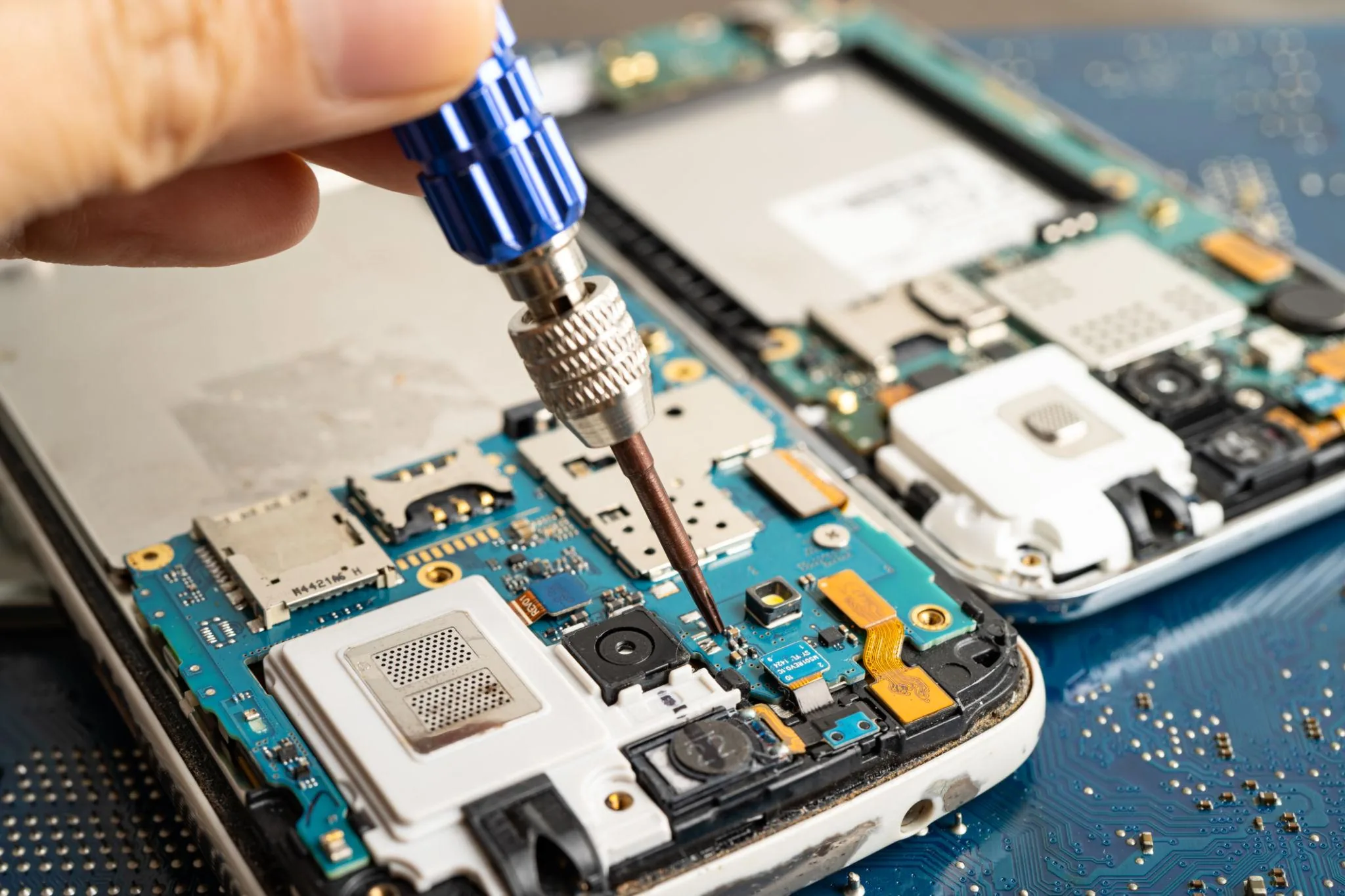
    Precision screwdriver releasing the metal shield over the display ribbon connectors on a smartphone
    Always disconnect the battery flex BEFORE the display flex — a live battery and a slipped tool against the logic board is how phones get bricked.

    Disconnect the Screen Cables

    Lift the screen carefully, locate the ribbon cable connectors, and unclip them from the motherboard.

  6. 6

    Remove the Old Screen

    Set the old screen aside. Inspect the frame for any debris or leftover adhesive.

  7. 7

    Connect the New Screen Cables

    Connect the new screen's ribbon cables and press each connector until it clicks into place.

  8. 8

    Test Before Sealing

    Power on and test the new screen for brightness, touch, and colour before applying adhesive.

  9. 9

    Seal and Press Into Place

    Apply adhesive strips to the frame, align the new screen, and press firmly for 2 minutes.
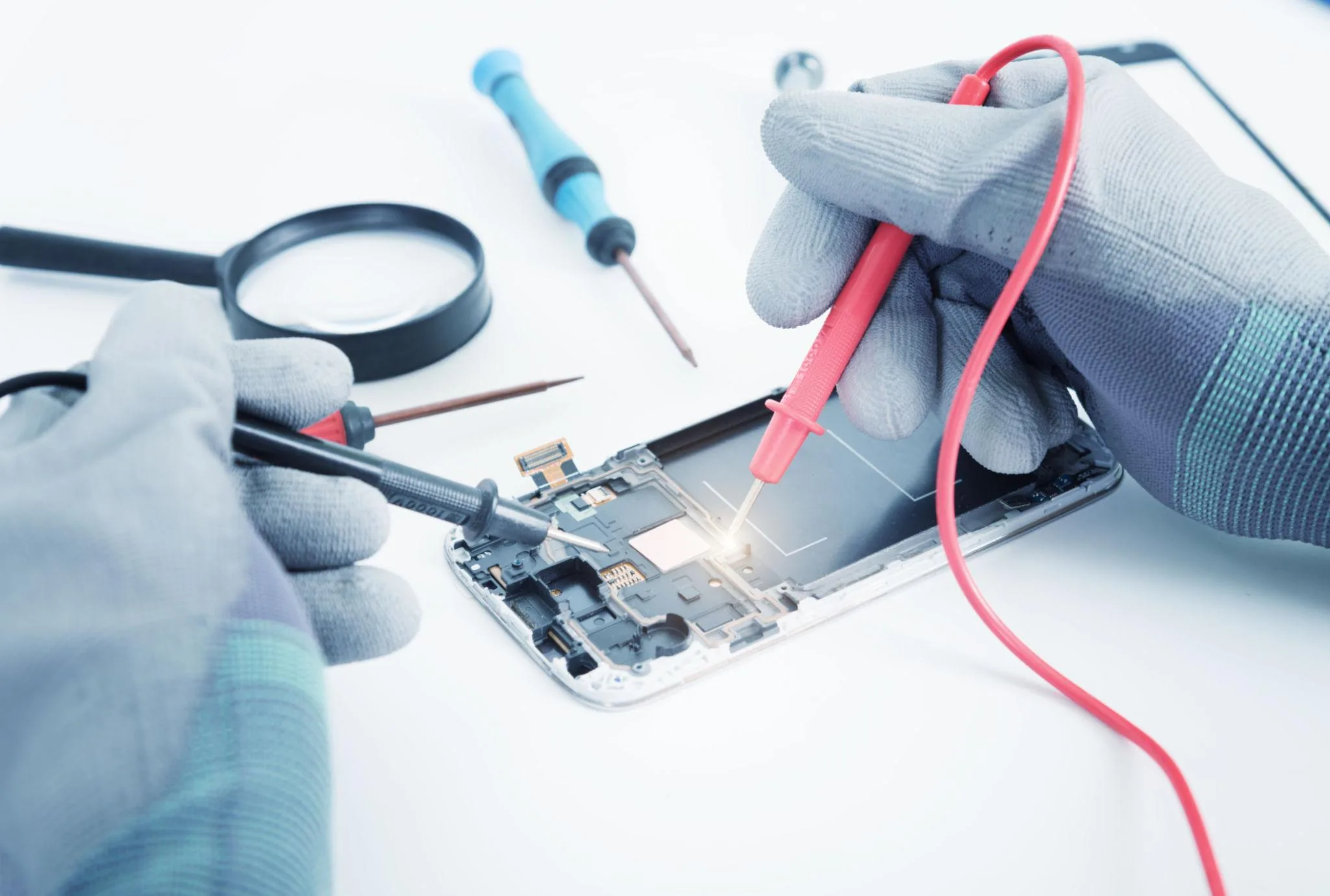
Multimeter and bench tools verifying a replacement smartphone screen before final assembly
Test the new screen for touch response and dead pixels before sealing the chassis — a defective panel is warranty-returnable now, not after.

Safety Warnings

Work on a clean, well-lit surface to avoid losing small screws.

Do not apply excessive heat — it can damage the OLED or LCD panel beneath.

Disconnect the battery connector before removing the screen on some models.

If you see smoke or smell burning, stop immediately and disconnect the battery.

Related Articles & Categories

Continue learning about Smartphones in Mobile & Wearables, or explore related repairs and learning guides below.