 NationRepair
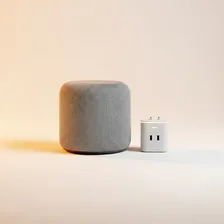
Smart home devices encompass an enormous range of products that connect household systems to the internet for remote control, automation, and integration. The category includes smart speakers (Echo, Google Nest, Apple HomePod), hubs (SmartThings, Hubitat, Home Assistant), connected appliances, smart plugs, sensors (motion, contact, temperature, leak, smoke), and the central platforms that tie them all together. The promise is a home that responds intelligently — lights that fade on at sunset, doors that unlock as you arrive, thermostats that learn your schedule.
The reality of smart home technology has been more mixed. Different manufacturers have pushed competing platforms (Apple HomeKit, Google Home, Amazon Alexa, Samsung SmartThings) with limited cross-compatibility. The new Matter standard is changing this by providing a unified protocol that allows devices from any brand to work with any platform, but adoption is still partial. Anyone buying smart home gear today should prioritise Matter-compatible devices to avoid being locked into a single ecosystem that may not support what they need in five years.