 NationRepair
How to Safely Dispose of Old Electronics
Don't just throw it in the bin — how to wipe data, recycle responsibly, and avoid e-waste fines in your area. This guide explains the key concepts in plain language — no jargon, no marketing fluff, and no assumed prior knowledge. By the end you'll understand the underlying ideas well enough to make better decisions, troubleshoot common problems, and avoid the mistakes that cost most users time, money, or both. Everything below is written for everyday users who want to understand their devices a bit better, not for engineers or IT professionals.
Why This Topic Is Worth Understanding
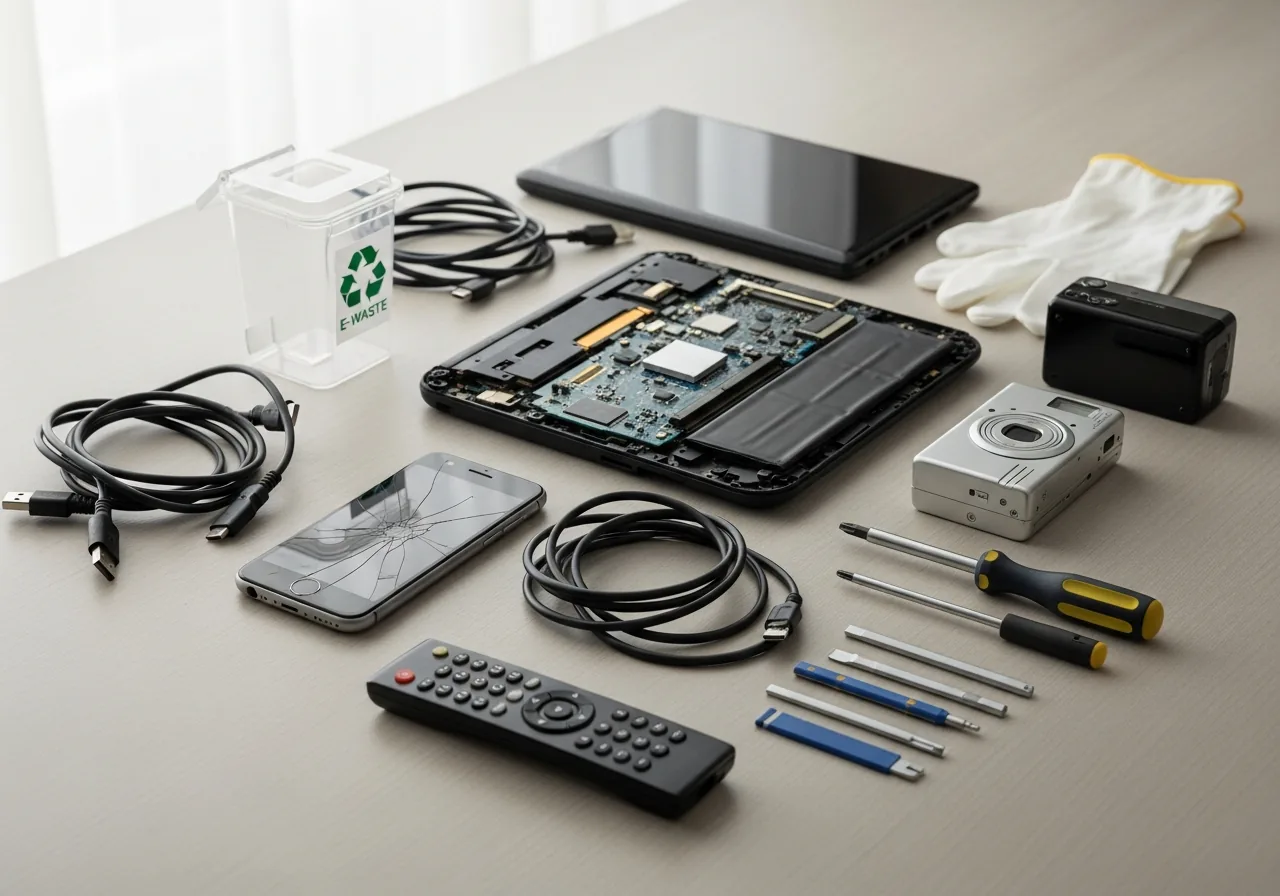
Old electronics that get tossed in the bin create two distinct problems. The first is environmental: a single laptop or phone contains lithium, cobalt, lead, mercury, and rare earth metals that don't belong in landfill, and lithium batteries cause thousands of fires in waste-collection trucks and recycling facilities each year. The second is personal: a device that worked yesterday still contains your accounts, photos, saved passwords, and browser history today, and a factory reset alone doesn't always remove it. Disposing of devices the right way protects you from data exposure and protects everyone else from the environmental and safety costs. Both parts take only a few minutes per device once you know what to do.
How It Actually Works
Disposing of old electronics has two distinct concerns: protecting the data still on the device and ensuring the device itself is recycled rather than ending up in landfill. Modern devices contain personal data well beyond the obvious — old laptops have years of email, browser history, and saved passwords; old phones have photos and contacts; even routers retain Wi-Fi credentials and connected-device lists. Once that's handled, the physical device contains a mix of recyclable metals, plastics, and toxic components (lithium batteries, mercury in old screens, lead in solder) that should never go into normal household waste. Most regions now offer free e-waste recycling, often through manufacturer take-back programmes or dedicated drop-off points.

The Key Concepts You Need to Know
- Factory reset alone doesn't always wipe data securely. On older HDDs, deleted files often remain recoverable until overwritten. On modern SSDs and phones, encryption combined with a factory reset is generally secure, but checking your device's specific procedure is worth a few minutes.
- For Windows PCs, "Reset this PC" with the "Remove everything → Clean drive" option overwrites the drive and is reliable on both SSDs and HDDs. For Macs with Apple Silicon, "Erase All Content and Settings" works similarly.
- For phones, factory reset combined with default device encryption (turned on for years on iOS and modern Android) makes data unrecoverable in practice. Sign out of iCloud / Google account first to remove activation lock.
- For routers and IoT devices, factory reset removes Wi-Fi credentials and account links. For cameras and storage devices, also pull and physically destroy any embedded SD card.
- Lithium batteries should never go into landfill or a household recycling bin — they cause fires when crushed. Most local councils, electronics stores, and big-box retailers accept them at no cost.
Common Mistakes People Make
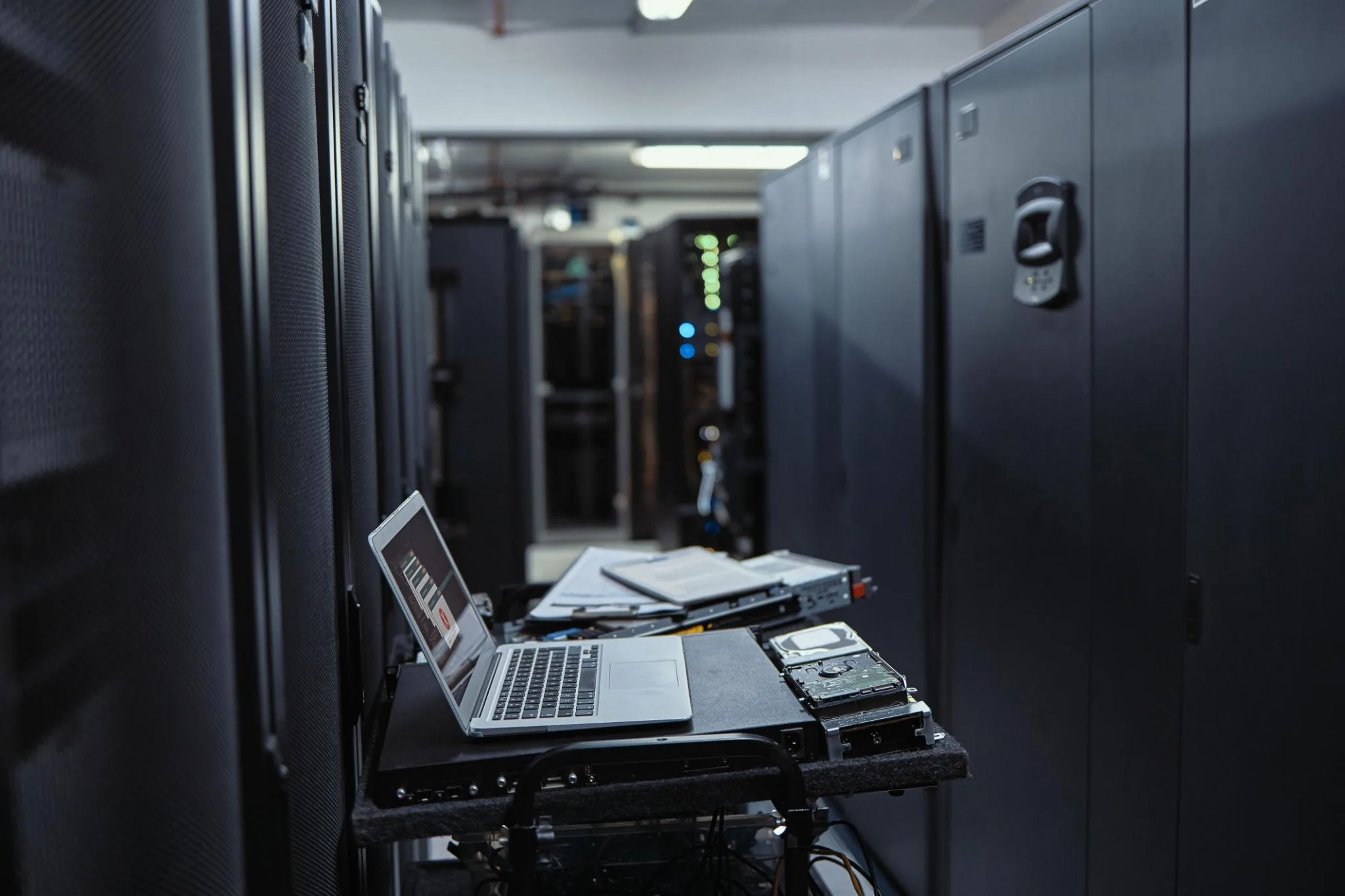
The most common mistake is dropping a device in the regular bin without wiping it first — even a "broken" device often has a perfectly readable storage drive inside that anyone can extract. The second is doing only a quick factory reset without confirming that storage encryption was actually enabled; on older Android phones, Windows PCs without BitLocker, and pre-2018 budget laptops, deleted data is often still recoverable with free tools. The third is leaving lithium batteries inside devices destined for normal recycling — they need to be removed (where possible) and dropped at a battery-specific collection point. The fourth is forgetting to sign out of cloud accounts before resetting, which leaves the next owner stuck with activation lock on iPhones, iPads, and Apple Silicon Macs. The last is throwing away routers, smart speakers, and IoT devices without resetting them; these retain Wi-Fi credentials and account links that the next owner could exploit.

Practical Tips You Can Apply Today
- Back up anything you might want first — photos, contacts, documents — to your new device or to cloud storage before wiping.
- Sign out of every account on the device before resetting: Apple ID, Google account, Microsoft account, banking apps. This prevents activation lock issues for the next owner.
- Run the manufacturer's full reset procedure rather than just deleting files. The factory reset combined with built-in encryption is what makes data unrecoverable.
- For old mechanical hard drives that no longer boot, physically destroy the platters before recycling. A few hammer strikes through the drive body, or removing the platters and scratching them, makes data recovery impractical.
- Check whether the manufacturer offers a take-back programme. Apple, Dell, HP, Samsung, and most others run free recycling and sometimes offer trade-in credit toward new purchases.
- For locally-recyclable items, search "[your area] e-waste recycling" — most councils run free drop-off centres or scheduled collection days. Big-box retailers (Best Buy in the US, Currys in the UK) also accept most consumer electronics regardless of where they were bought.
Frequently Asked Questions
Is a factory reset enough to wipe my data?
For modern devices (any phone made in the last 8 years, any computer with full-disk encryption enabled), factory reset is generally enough — the encryption keys are wiped along with the data, making the underlying contents unreadable. For older devices without encryption, especially those with mechanical hard drives, additional secure wipe steps or physical destruction of the drive are recommended.
Can I just throw old electronics in the regular bin?
In most countries, no — and in many it's illegal. Beyond the environmental and fire risks, most jurisdictions require electronics to be recycled separately. Lithium batteries in particular cause significant fires in waste-collection trucks and recycling facilities every year, so always remove them and recycle separately if your device allows.
What about old phones and tablets that still work?
Trade-in programmes from manufacturers and major retailers usually offer better value than throwing them out — even older devices often have $30–100 of trade-in value, and refurbished sale routes (Back Market, Swappa, Gazelle) extract still more. Donating to charity programmes is another good option for working devices.
Should I pay for a "secure erase" service?
For typical home users, manufacturer factory reset combined with device encryption is sufficient. Paid secure-erase services make sense for businesses with regulatory requirements (HIPAA, GDPR for sensitive data) or for storage devices coming out of high-risk environments. For everyone else, the built-in tools are reliable.
Related Articles & Categories
Apply this knowledge to your Smartphones and Windows Laptops, or explore the related tutorials and guides below.