How to Reapply Thermal Paste on a CPU

How to Reapply Thermal Paste on a CPU

Medium 30–60 minutes
How to Reapply Thermal Paste on a CPU
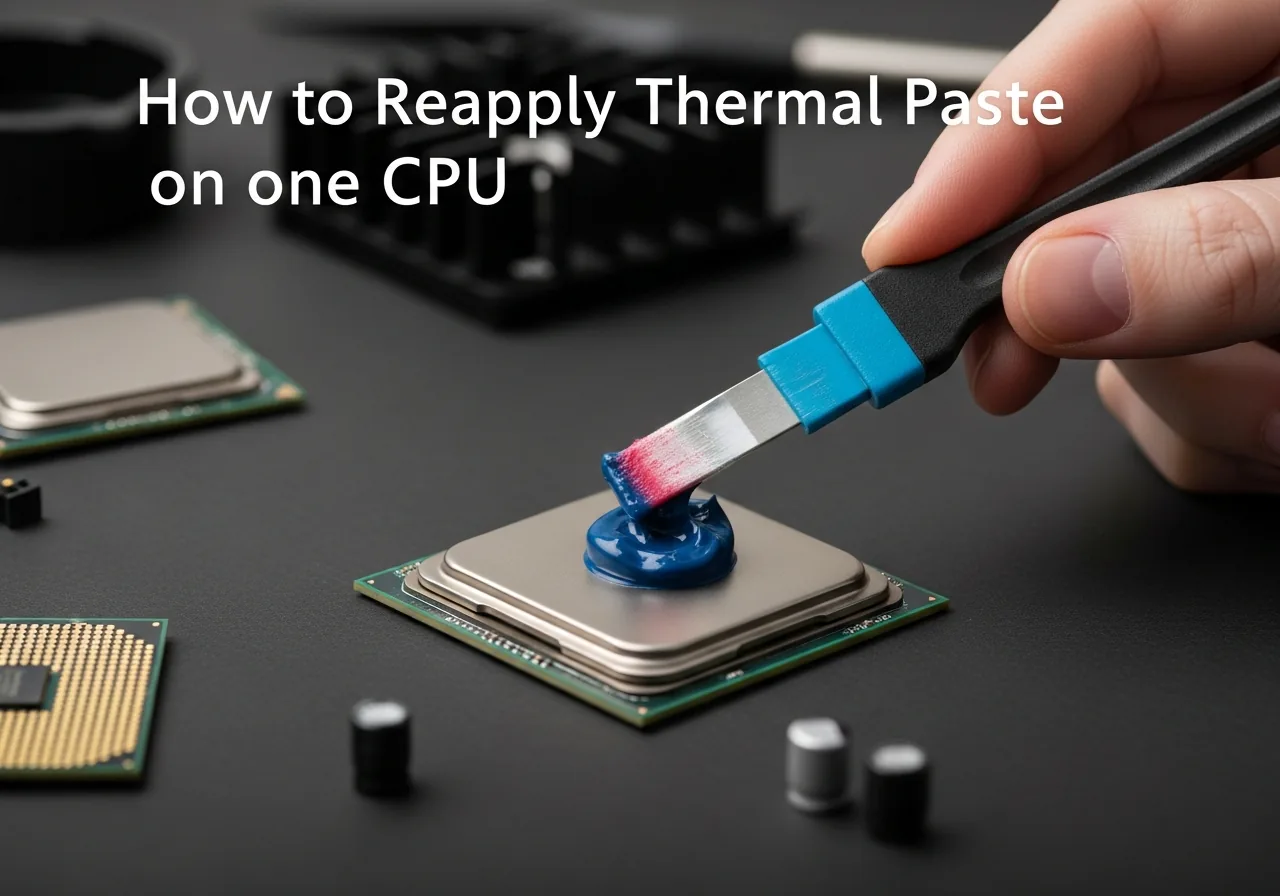
Removing the cooler to reapply thermal paste between the CPU and heatsink

Tools & Parts Needed

  • Phillips screwdriver
  • Isopropyl alcohol 90%+
  • Lint-free microfibre cloth
  • Thermal paste
  • CPU cooler (already installed)
  • Anti-static wrist strap (recommended)
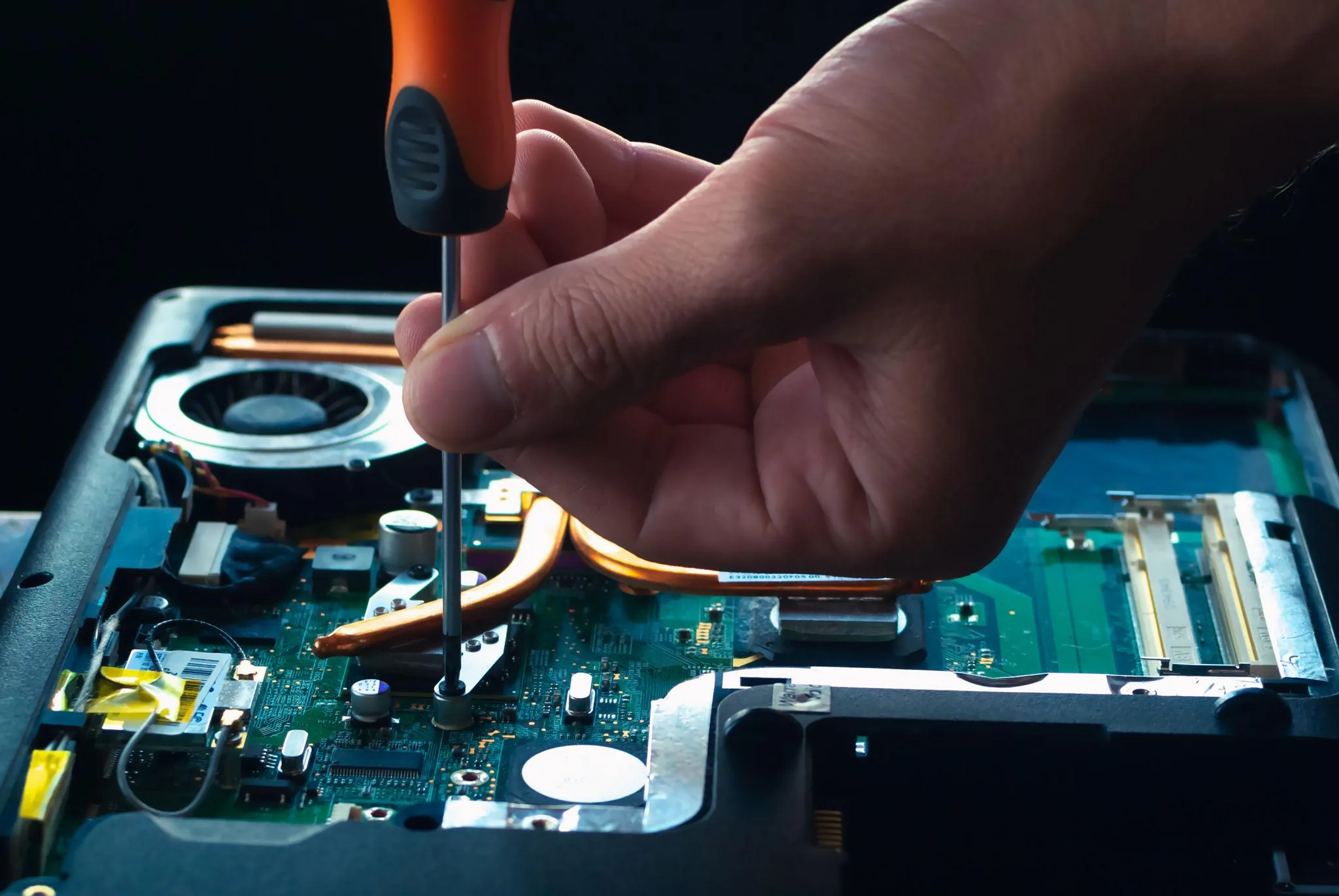
Close-up of a CPU socket on a motherboard with surrounding components
Stock paste typically dries out after 4–6 years — reapplying drops idle and load temperatures by 5–20°C and is one of the cheapest performance upgrades possible.

Step-by-Step Instructions

  1. 1

    Power Off and Unplug

    Fully shut down the PC, unplug the power cord, and hold the power button for 5 seconds to discharge capacitors.

  2. 2

    Open the PC Case

    Remove the side panel screws and slide the case panel off to access the internals.

  3. 3

    Remove the CPU Cooler

    Unscrew or unclip the cooler mount in a cross pattern to apply even pressure — then gently lift away.

  4. 4

    Clean Old Thermal Paste from CPU

    Apply isopropyl alcohol to the lint-free cloth and gently wipe the old paste from the CPU IHS.

  5. 5

    Clean the Cooler Contact Plate

    Clean the cooler base plate with isopropyl alcohol to remove all residual paste.

  6. 6

    Let Both Surfaces Dry

    Wait 2–3 minutes for the alcohol to fully evaporate before applying new paste.
  7. 7
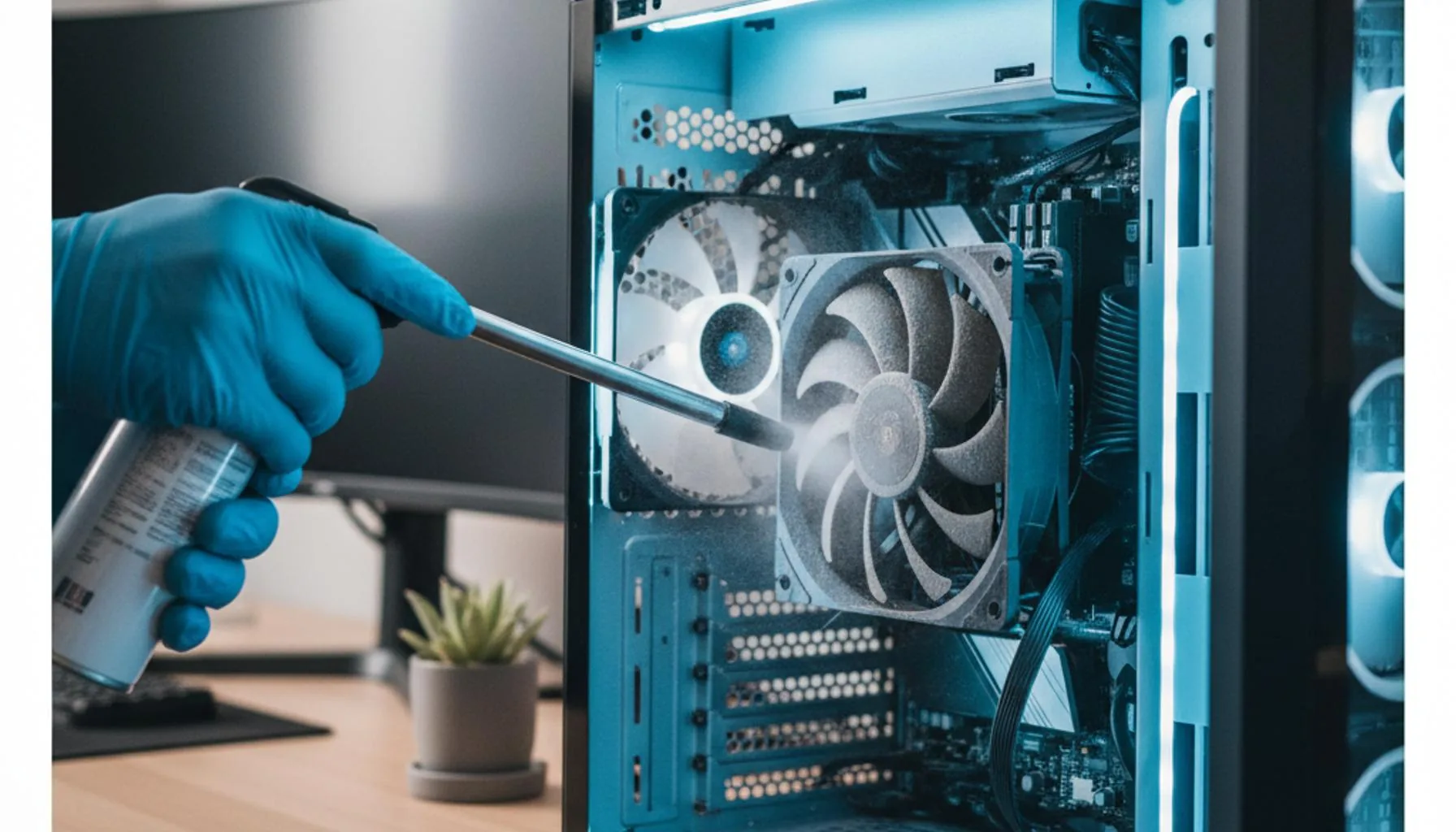
    Workbench view of CPU cooler fan and heatsink components ready for paste application
    A pea-sized dot in the centre is enough — cooler pressure spreads it evenly. Manual spreading traps air bubbles and works worse than less paste.

    Apply New Thermal Paste

    Apply a pea-sized (3–4mm) dot of thermal paste to the centre of the CPU IHS.

  8. 8

    Reattach the CPU Cooler

    Lower the cooler straight down without sliding, then secure in a cross pattern for even pressure.

  9. 9

    Power On and Check Temperatures

    Boot the system and use free software like HWInfo64 to verify temperatures are in normal range.
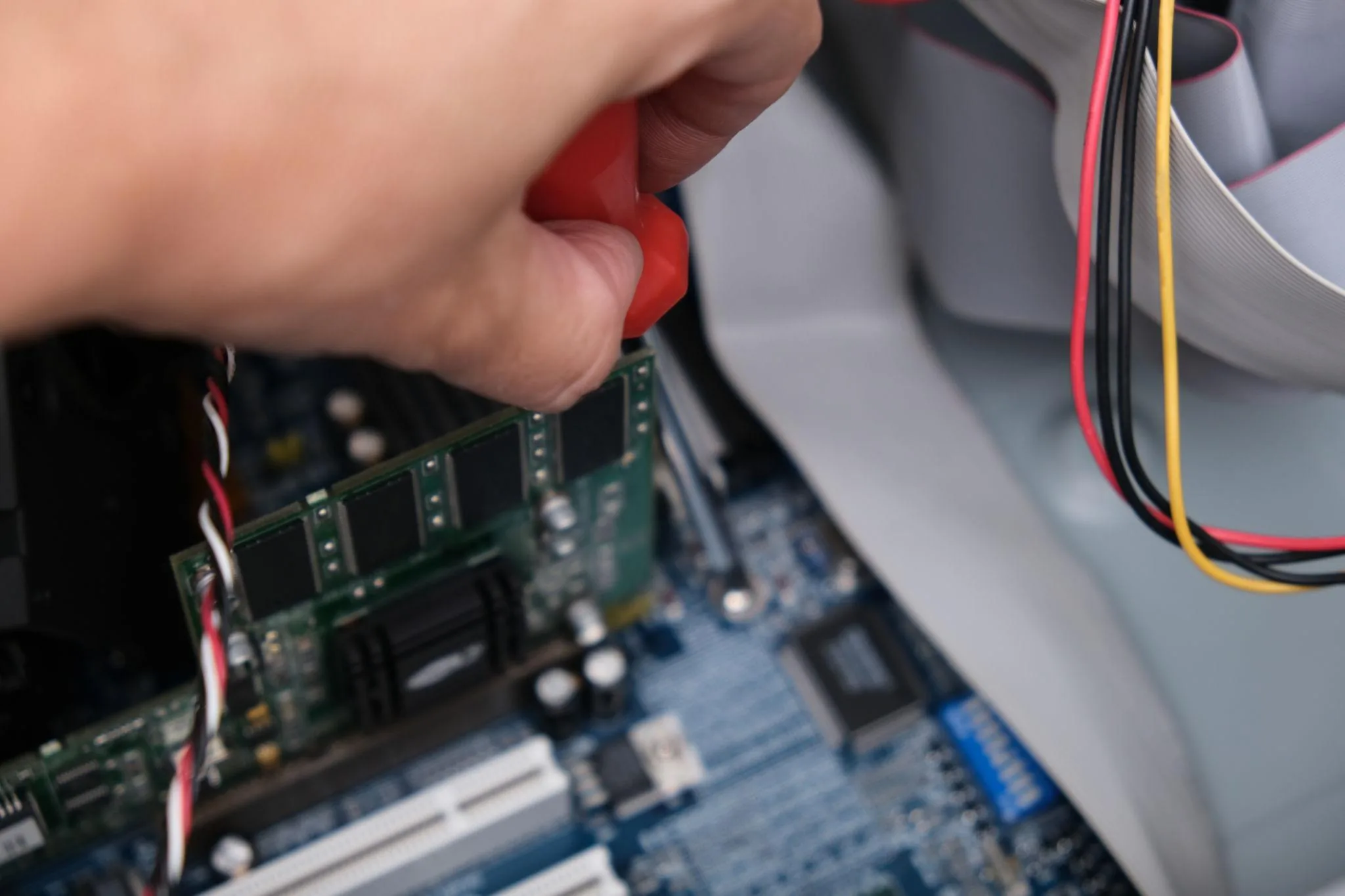
Hands installing components inside a desktop PC chassis during service
Always use 99% isopropyl alcohol and a lint-free cloth to remove old paste — anything wetter or fluffier risks shorts and contamination.

Safety Warnings

Too much thermal paste is worse than too little — a pea-sized dot is enough.

Never run the PC without a CPU cooler attached — even for a few seconds.

Anti-static protection is essential — touch the PC case before touching any components.

Related Articles & Categories

Continue learning about Desktop PCs in Computers & Storage, or explore related repairs and learning guides below.