 NationRepair
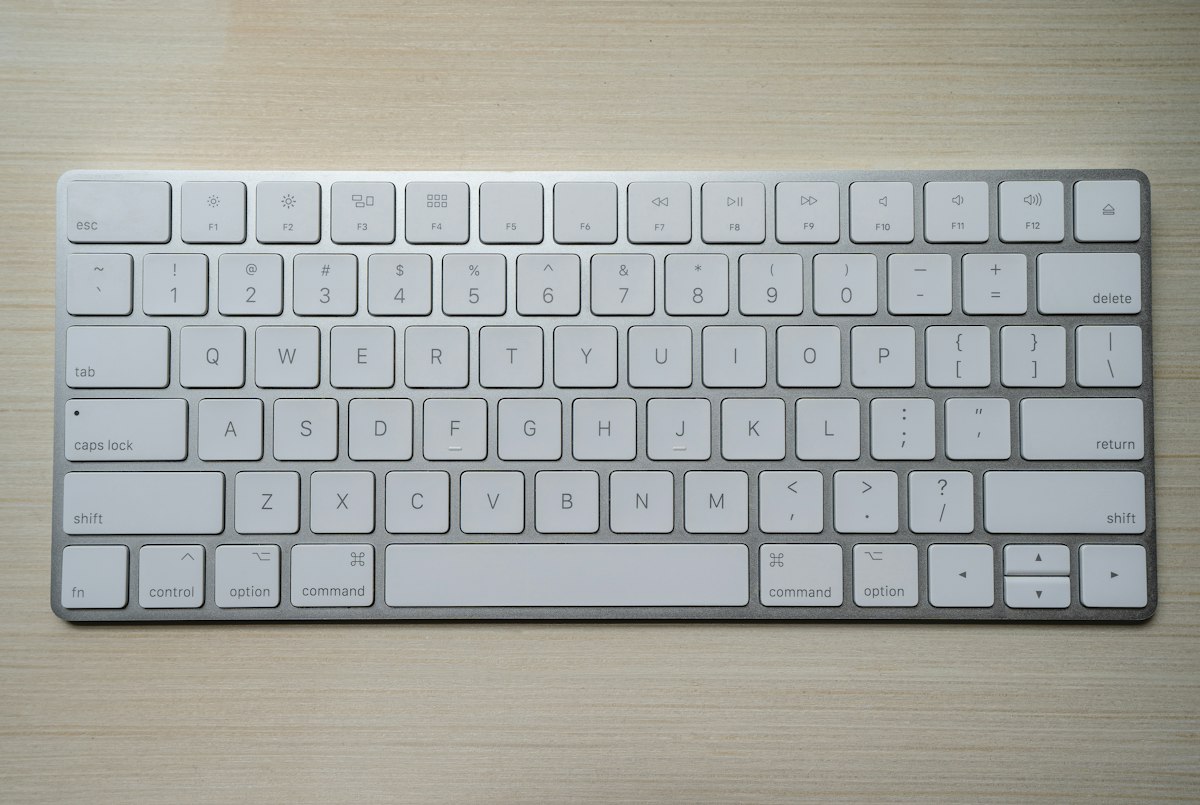
How to Deep Clean a Mechanical Keyboard
Easy
45–90 minutes
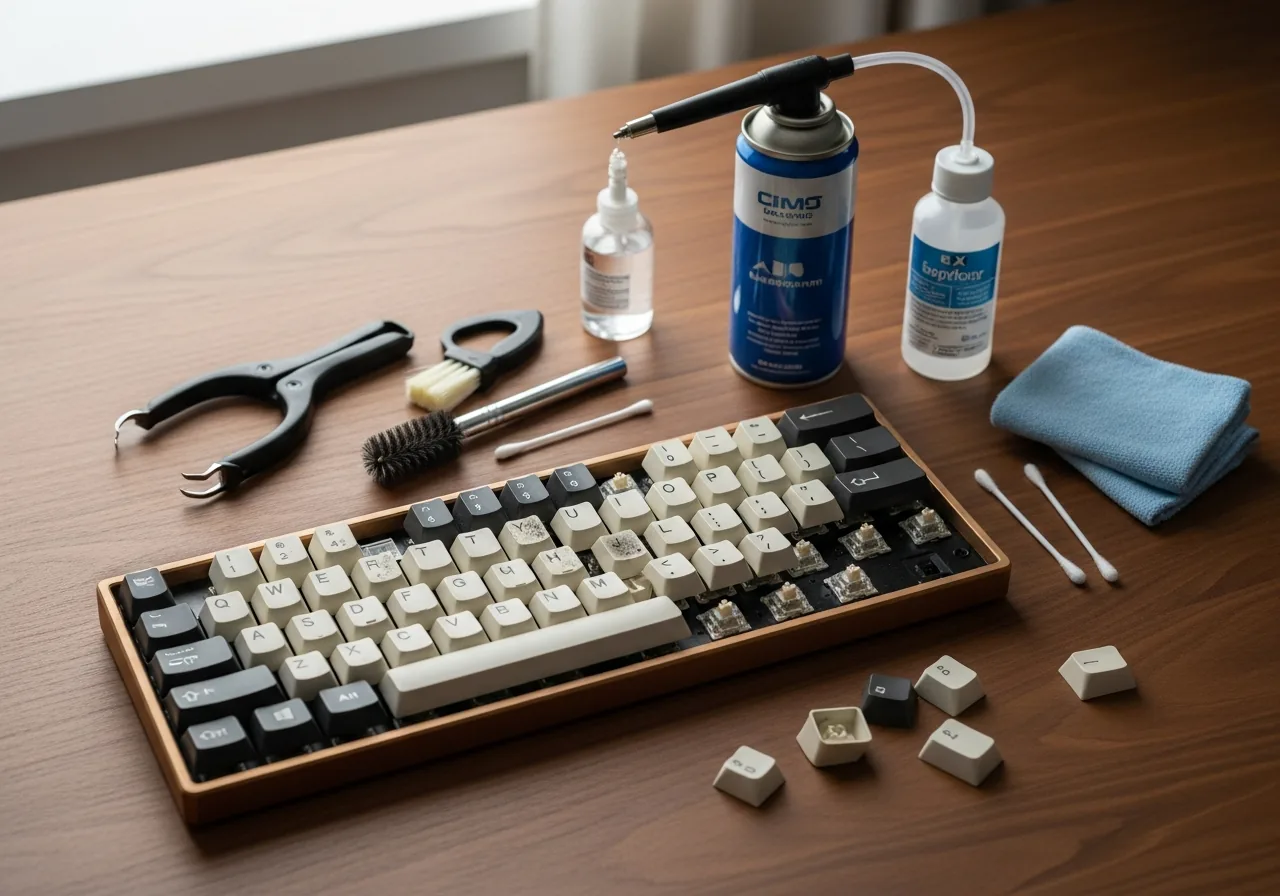
Disconnect the keyboard from the PC. Take a photo of the key layout for reference.
Use the keycap puller to remove all keycaps, placing them in a bowl. Pull straight up — do not twist.
Soak the keycaps in warm soapy water for 30 minutes to loosen oils and grime.
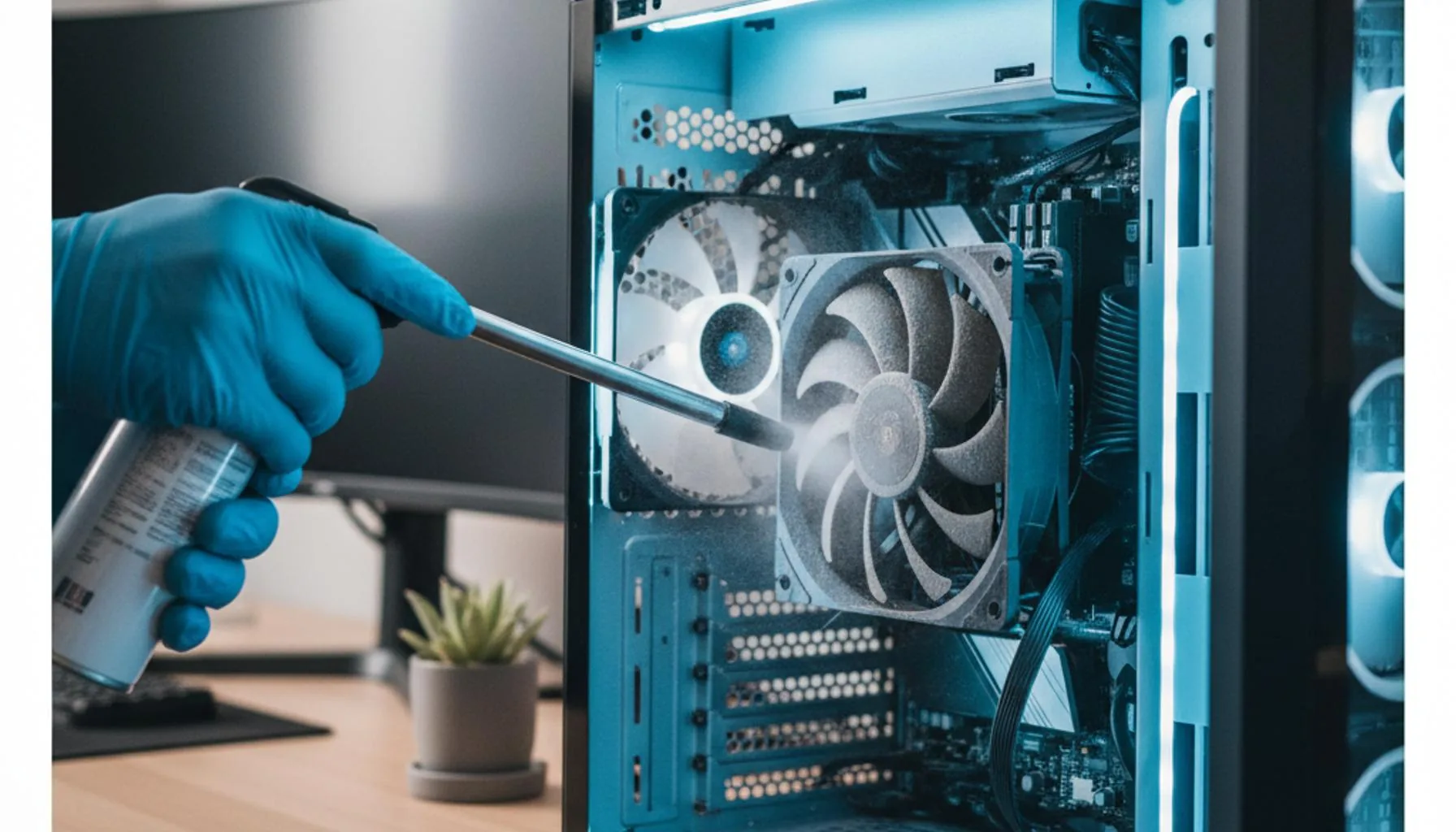
Use compressed air to blow debris from around the switches, holding the can upright.
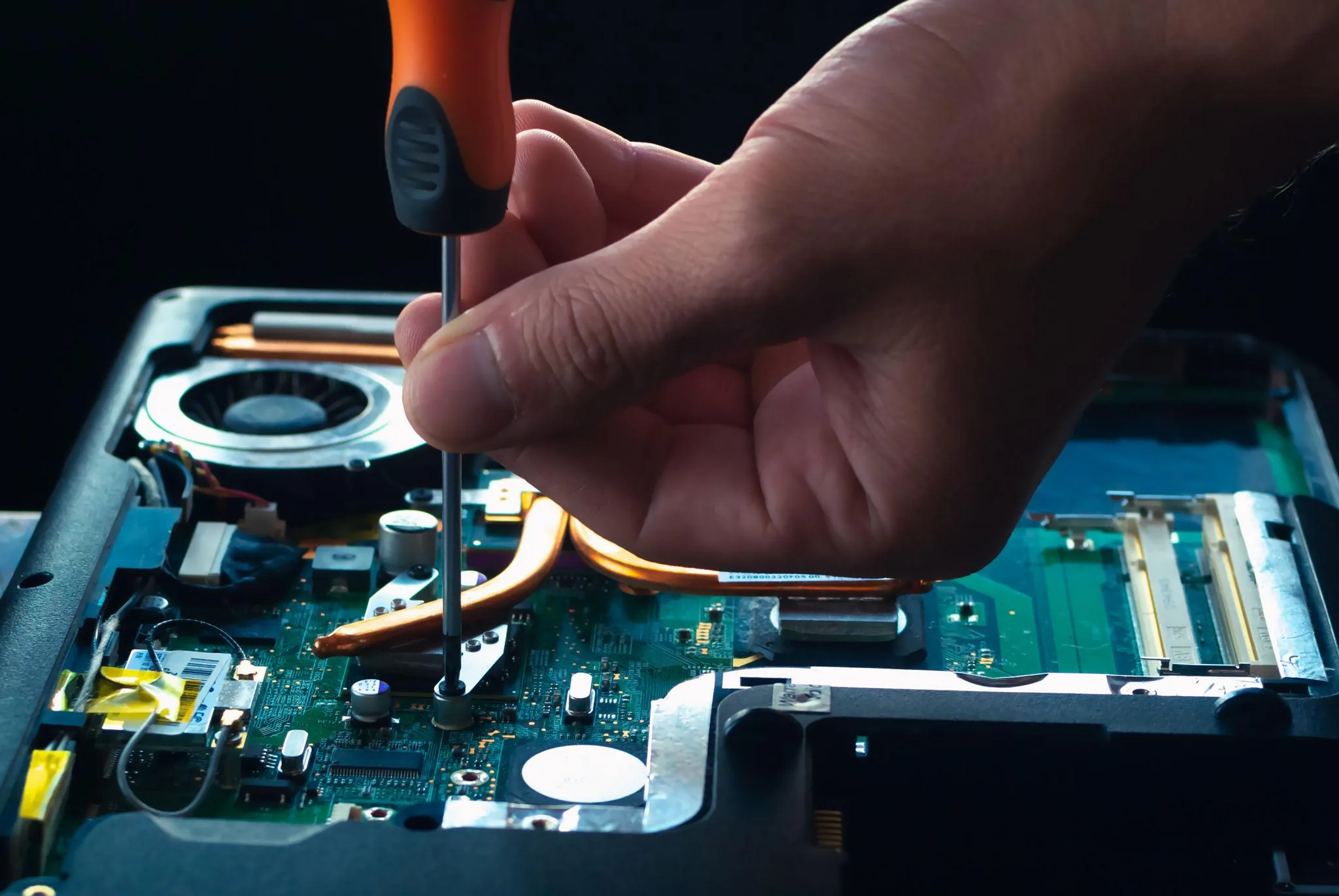
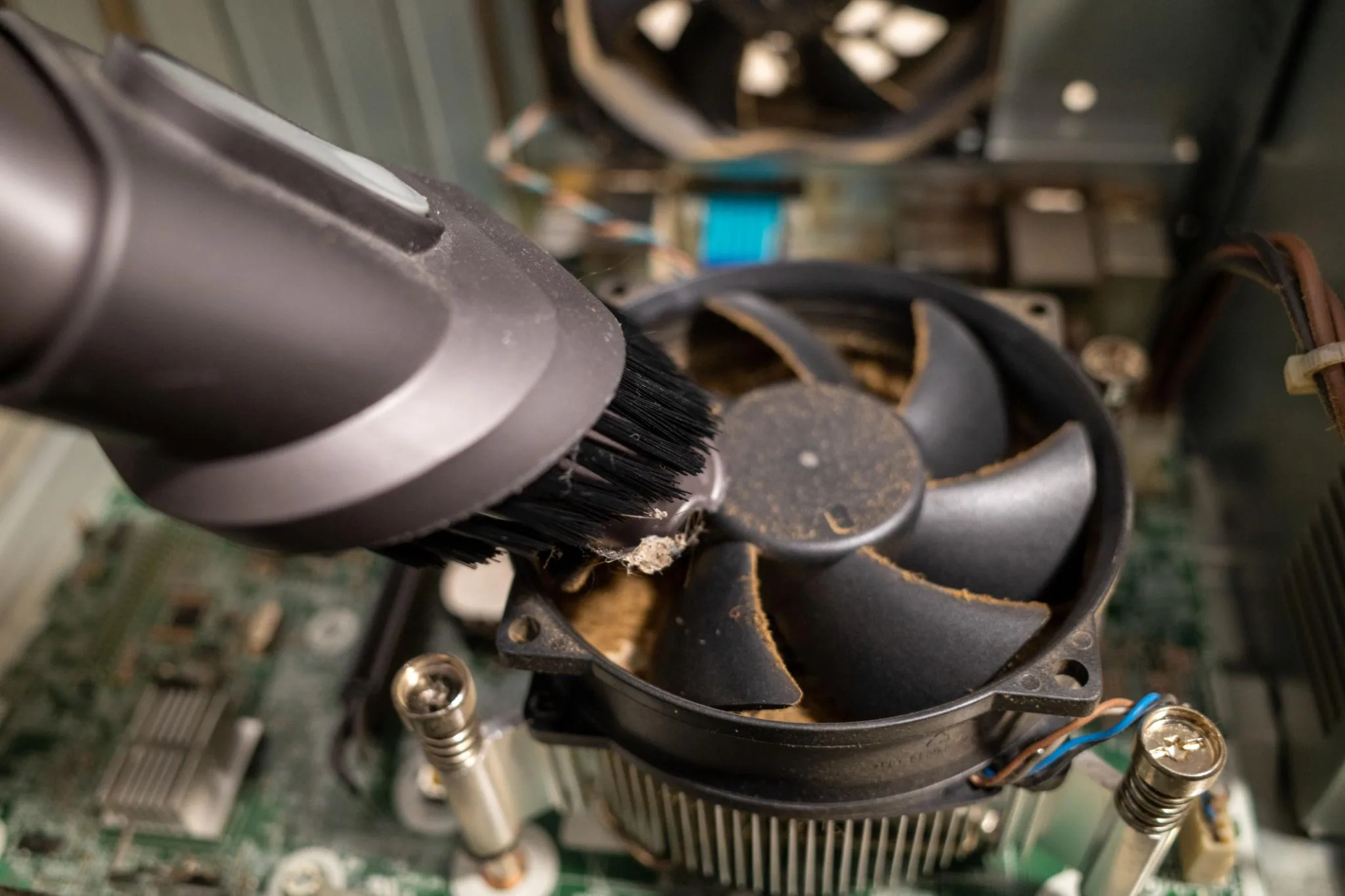
Use a dry soft-bristle brush to sweep remaining dust from the PCB and switch housings.
Dampen a cotton swab with isopropyl alcohol and clean around switch bases and the PCB surface.
Drain and rinse the keycaps with clean water. Spread on a towel and let dry for at least 4 hours.
Once completely dry, press each keycap firmly onto its switch stem using your reference photo.
Plug in and test every key using an online key tester to confirm all switches work correctly.
Never submerge the keyboard body or PCB in water — only the keycaps.
Ensure keycaps are fully dry before reinstalling — moisture can short the switches.
Do not use paper towels on the PCB — they scratch and leave fibres.
Continue learning about Mechanical Keyboards in Peripherals & Accessories, or explore related repairs and learning guides below.